I’ve been managing rack mount server hardware for just over twenty five years now, and I thought it would be interesting to show some pictures of some of it during my career at different organizations.
Maybe it’s an IT thing, but I’ve always loved pictures of data center racks, servers, cabling, the insides of IT equipment, all of the components, colors, designs, textures, lights, everything. As long as it’s clean anyway(not stuffed with dust and grime). I actually took the motherboard out of the first server I hosted at a co-location for personal use mounted in a frame with the CPUs and memory installed. I’ve always wanted to have an entire wall just covered in motherboards. I kept my K6-3 CPU from the 90s and have it along with other CPUs in the bottom of that framed enclosure with my server motherboard.
Co-location for personal servers
Before I get onto my career stuff I wanted to point out here an example of my own personal servers which I have been hosting in Fremont, CA for well over a decade now(though the equipment has evolved during that time).
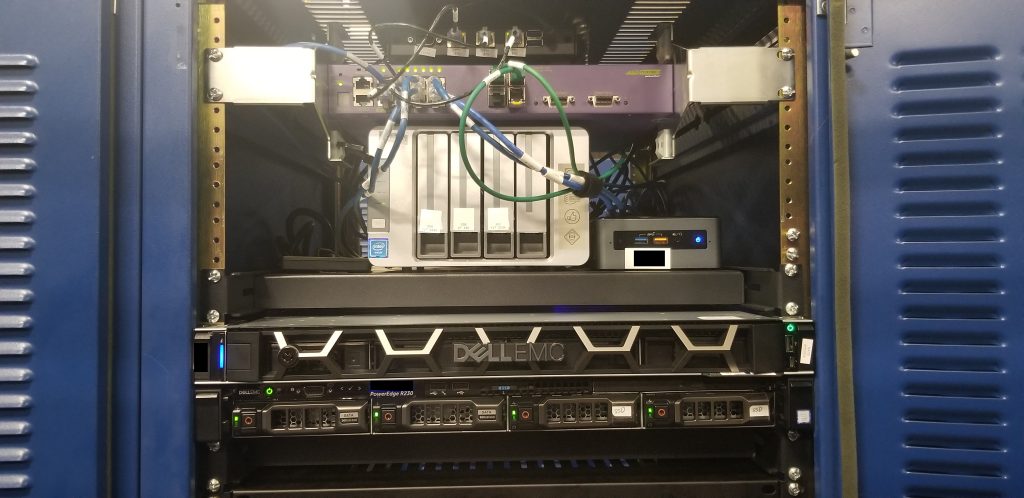
It’s not a fancy facility by any means, maybe Tier 2 data center at best. No redundant power, no redundant network. Though it’s not expensive, and I have a lot of flexibility space wise having a quarter of a rack. It has had some power outages too, last one was almost four and a half years ago. Typically the outages are brief. My stuff isn’t super critical so it doesn’t bother me much. The facility is probably close to 30 years old, definitely has a 90’s vibe to it(not sure how I would know that given I didn’t start data center stuff till 2003).
- One Dell R230 running ESXi 6.7 hosting several VMs (where this website is running)
- One Dell R240 running ESXi 6.7 hosting other VMs
- One Intel NUC running ESXi 6.7 hosting one of my Windows 10 desktop VMs, along with my internal Linux repo server
- One small PC Engines APU2 running OpenBSD firewall on top of my switch
- One Extreme Networks X440-8t 12-port Gig switch which is fan less
- One Terramaster F4-220 running a regular Linux distribution on a USB-attached SSD
Can you believe all of that combined doesn’t even use 200 watts of power(which is my limit)? I’m sure if I maxed out all of the CPUs etc it would use more but usually the CPUs are quite idle.
Both of my Dell systems were purchased direct from Dell, and both have NBD on site support(have yet to leverage that support). I would love to get 3rd party support for them instead of Dell, but last time I tried that I could not because I wasn’t a “business”, even though it’s not as if I need someone to come to my home, these servers are at a data center.
I have had no serious hardware failures in more than fifteen years of co-location for my personal stuff. Only things that have failed have been spinning hard disks, and the only spinning hard disks I have now are in my Terramaster NAS. I did actually have one of those almost die a few months ago, it had an error and dropped off the SATA bus, I replaced it and Terramaster has been fine since. I took the “bad” drive home and ran diagnostics, no problems. I also wrote zeros to every sector on the disk and had no errors. So must’ve been a transient problem.
I have been hosting my own stuff for almost 30 years now, initially I volunteered at a tiny ISP in Washington where I hosted first, then starting in 2000, I got a symmetrical 1Mbps ADSL line with 8 static IPs on it which I hosted from for several years, eventually the ISP sort of went bust and I moved everything to co-location starting around 2007. From that point probably until about 2015 I just had a single 1U server, in the years since I added the rest.
Onto the larger scale stuff from my career …
Early 2000s
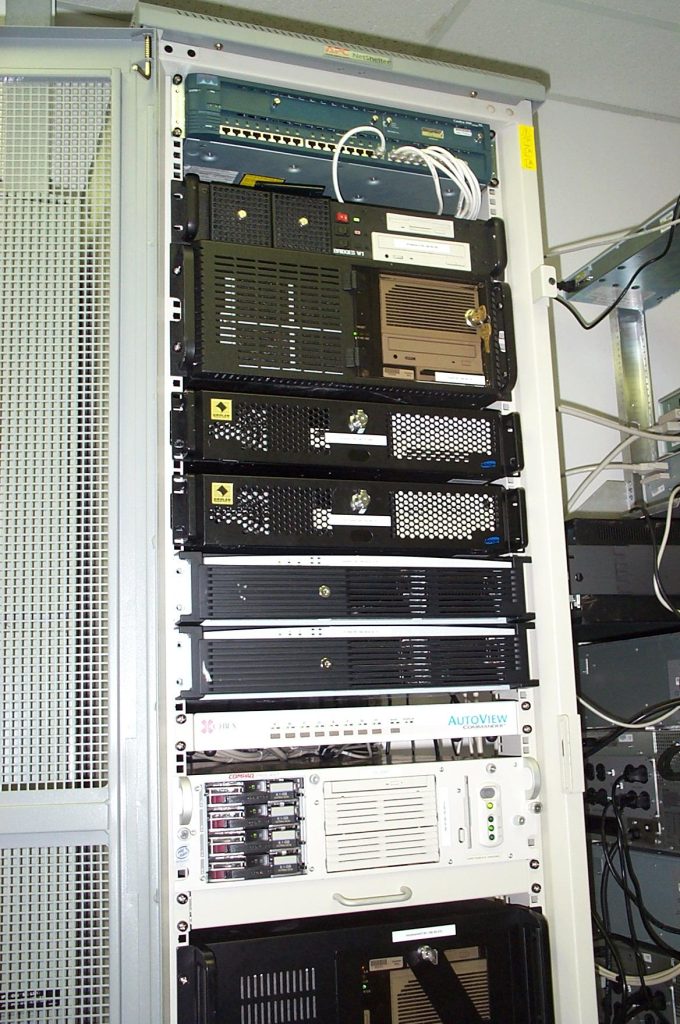
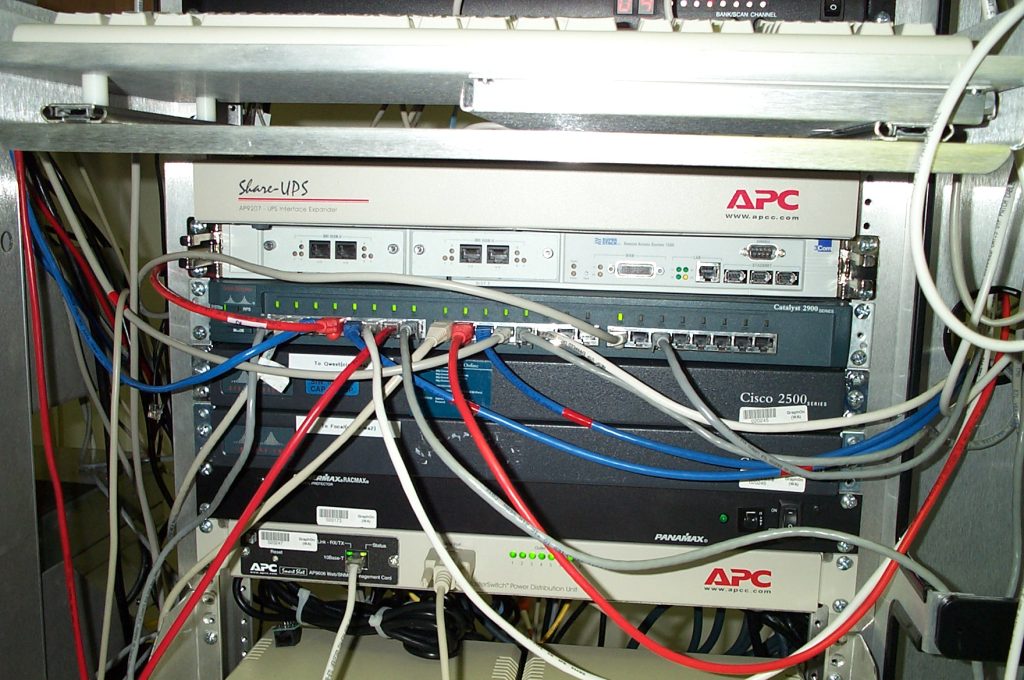
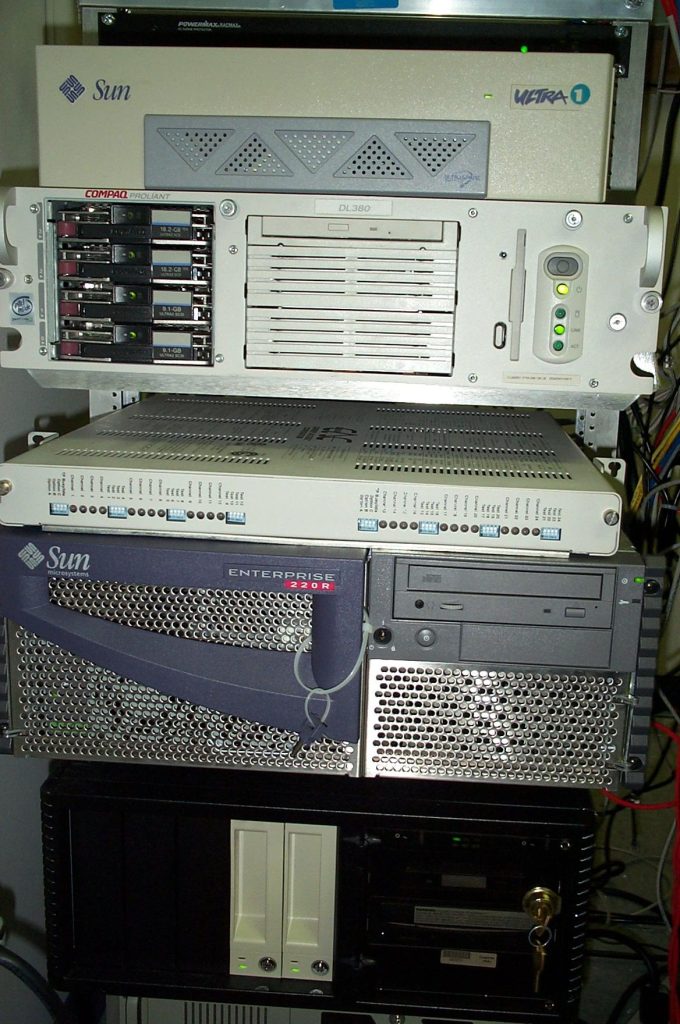
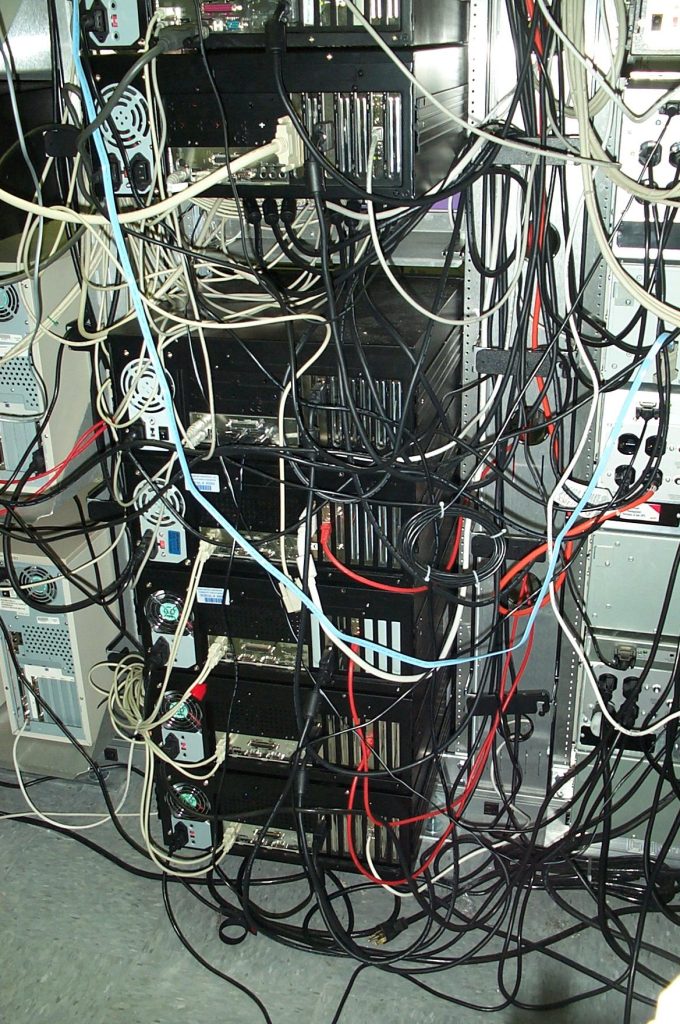
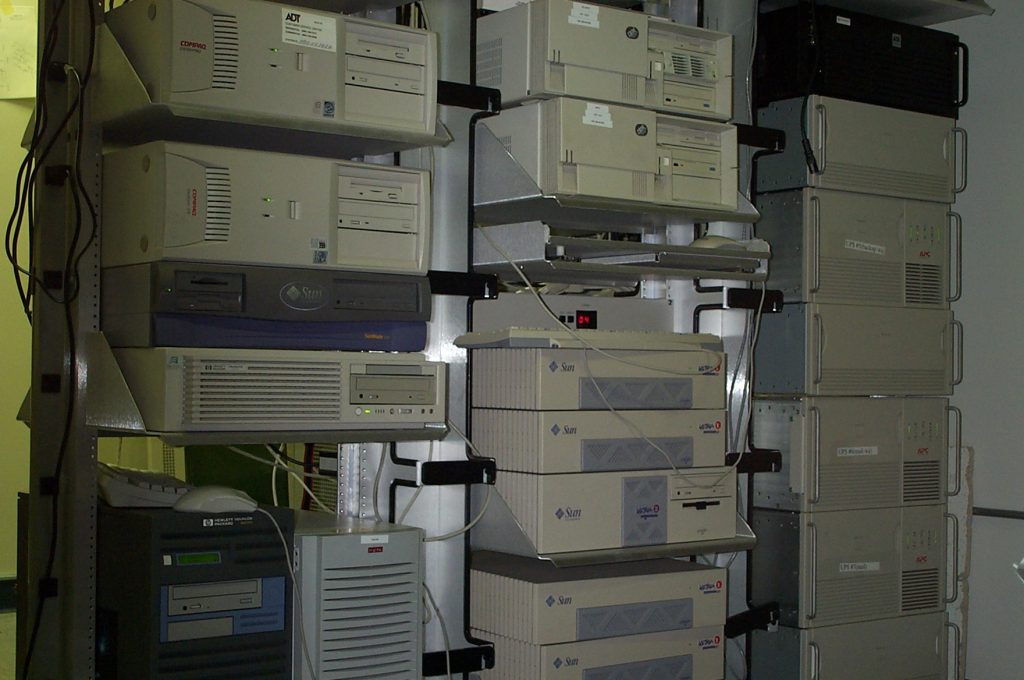
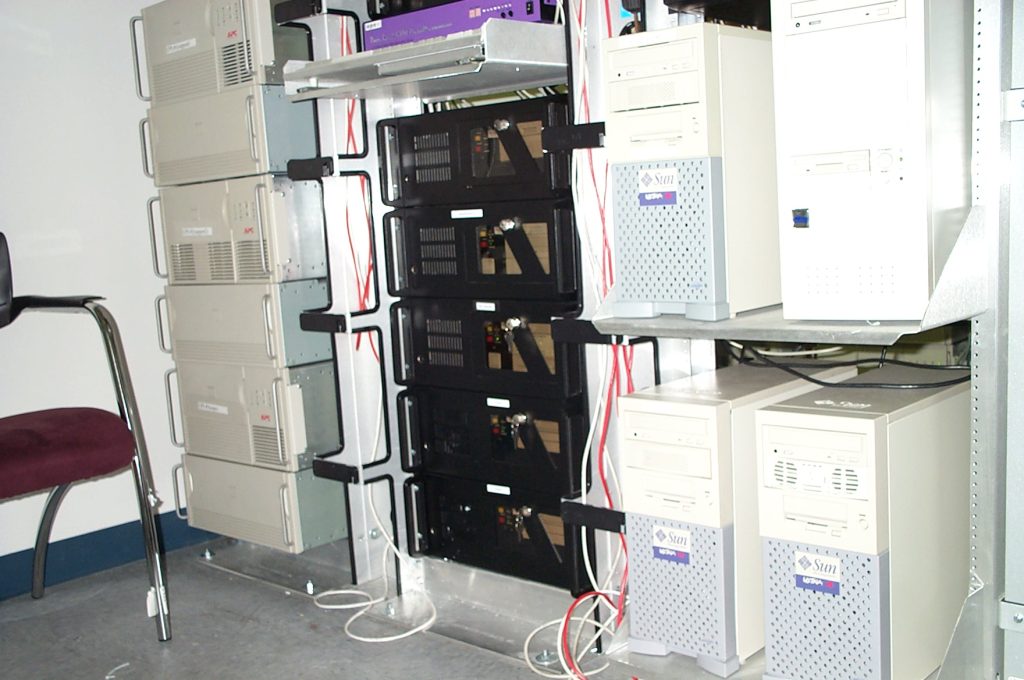
I was at a software company, and at one point we moved to a new office and built out a server room(not data center) from the ground up(including new power and cooling), with ten racks, nine of them were two post racks. I don’t remember why we chose two post, maybe for space reasons, much of the equipment wasn’t even rack mount anyway and had to stay on shelves. Also we had very few systems that were built for four post racks. The racks with the UPSs were higher grade to support the weight. Cabling was certainly a challenge, really impossible to keep super neat in most cases, but it all worked great. The office was closed in 2002 and before I was laid off I helped shut everything and and close the office.
I remember I spent a lot of time hooking up APC network power monitoring software on pretty much everything(Linux, Windows, HPUX, AIX, Solaris, Tru64) so that if there was a power outage systems would shut down gracefully when the batteries got low. I had tons of batteries and long run times.
I realized I made a mistake, oversight really, that didn’t hit me until we had our first(and only) power outage. I still remember it now, my phone got a SMS text alert on a Sunday morning, several alerts actually saying the UPSs are on battery power. I felt happy for a moment. Yay, my system worked as intended. But it was probably not even 30 seconds later that I came to a horrific realization.
The power was out, the servers were still running… but the cooling system was NOT.
Yeah that room is going to cook itself(I had at least 30-40min of battery runtime, some cases over an hour). So I ran to my car and drove to the office(about 3 miles away). Got inside and started frantically shutting down systems manually before it got too hot. Everything worked out in the end, it never got too hot, power came back online maybe an hour or two later. I had also deployed Network UPS Tools(NUT) to all of the UPSs as well and had a nice web page to show all of the UPS status in a single view(I remember modifying the NUT cgi code to render it in a more condensed form). Still using NUT twenty five years later(at home).
The asset labels you may see on the systems was another system I created. Using Avery labels, I printed out barcodes from StarOffice I think it was at the time. But the best part was I was able to use my Handspring Visor, along with a barcode reader expansion module, tied into a database application called JFile. I could scan a bar code and have it look up the entry instantly in the database, or scan a bar code and have it populate the field as a new entry in the database. I could then export the database to my computer and use a tool to convert it to CSV if I recall right. It worked really well. My co-workers in the other two offices did the same thing.
I sometimes forget, but I actually did host two 4U servers of my personal stuff in this server room on one of our T1 lines, mainly email, DNS and basic web hosting, I didn’t use virtualization on my personal servers till 2007ish. My servers are not in any of these pictures but otherwise were physically located at the bottom of the rack that has the Sun Enterprise server below. That Sun server was used as a public demo for that company’s application hosting software (sort of like Citrix app hosting). It was an interesting experience trying to harden the system while still allowing any random person to connect to it and get into a full X11+CDE desktop. As far as I know it was never hacked, and was told eventually the hardware failed(not sure where they hosted it after the office closed).
Mid 2000s
I was at my first SaaS startup that really launched my career as it is today. It was the most demanding position I ever had, so many 80-100+ hour weeks. I crammed a decade of experience into three years here. I burned out hard core at the end. Learned an incredible amount, made a lot of mistakes, and had a lot of fun as well. I could not repeat this again. This company was my first true data center experience(technically worked at a company earlier(before above company) that had a data center that I saw, but I was not on a team that had any responsibility for it or the systems inside). This data center was an AT&T Data center located in Lynnwood, WA which is still there today, but has not been AT&T operated for a long time. It is now operated by a company named CSquare.
It was a giant warehouse with probably 40 foot ceilings at the time, not the best for cooling efficiency I imagine. I was told it was a Lowes or Home Depot prior to AT&T taking it over. Fun story, there was no real security outside, just cameras. It was kind of a shady area. People would sometimes try to go out behind the facility to do criminal things drugs and maybe other things. All on camera.
The main security guard told me one time she went out and confronted some of them at one point and sort of joked “You do know you are on camera, right?<pointing at one of the cameras>”, they didn’t come back.
I remember one power outage I was on site, in the process of leaving. All of the power to the front of the building entrance area got cut. Moments later I see their on site engineers(whom I knew well) rushing from their offices to the data center floor. They stopped for a moment and assured me the data center floor was not affected by the power outage, then they continued on their journey to do whatever it was that was so urgent. Their security system was impacted by the outage as I recall their key cards did not unlock the doors and they had to use physical keys. We never had any power incidents at that facility for the roughly 5 years I was hosted there across two different employers.
Technically the data center had a no cameras rule. I was friends with all of the employees but I never asked about taking pictures. So the pictures I did take were using my Sanyo MM-5600 phone, which at the time had very good camera specs.
All of the equipment below was either for production or pre production. No hardware here was used for development or QA, hardware for that was on site at the office.
Phase One
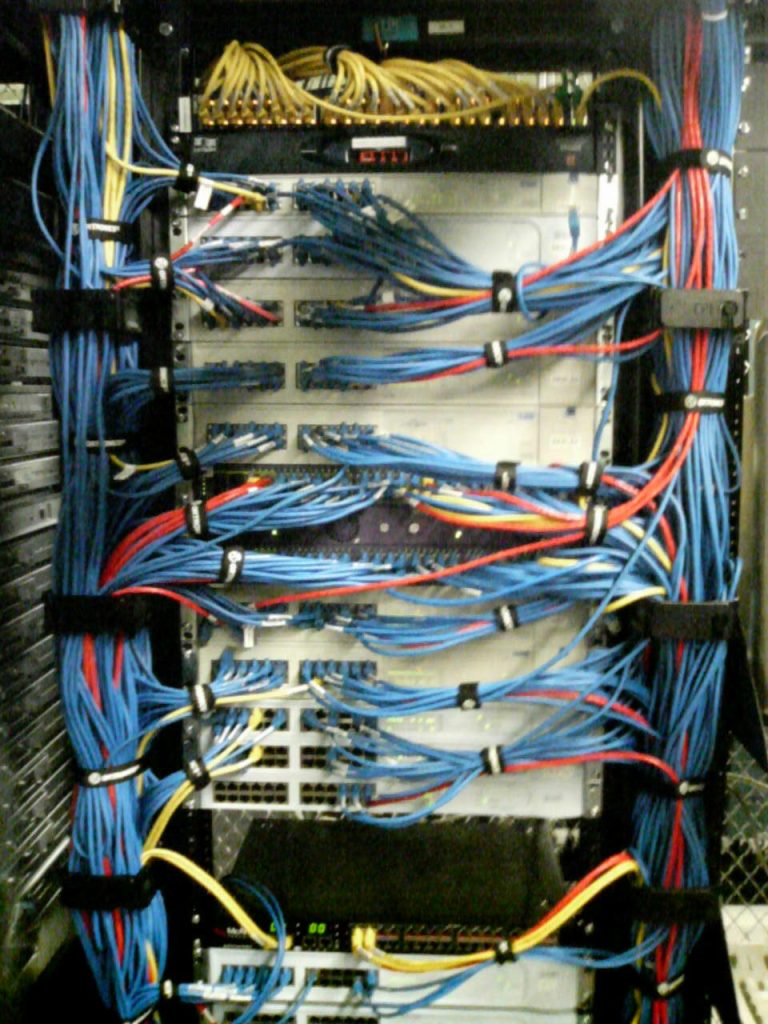
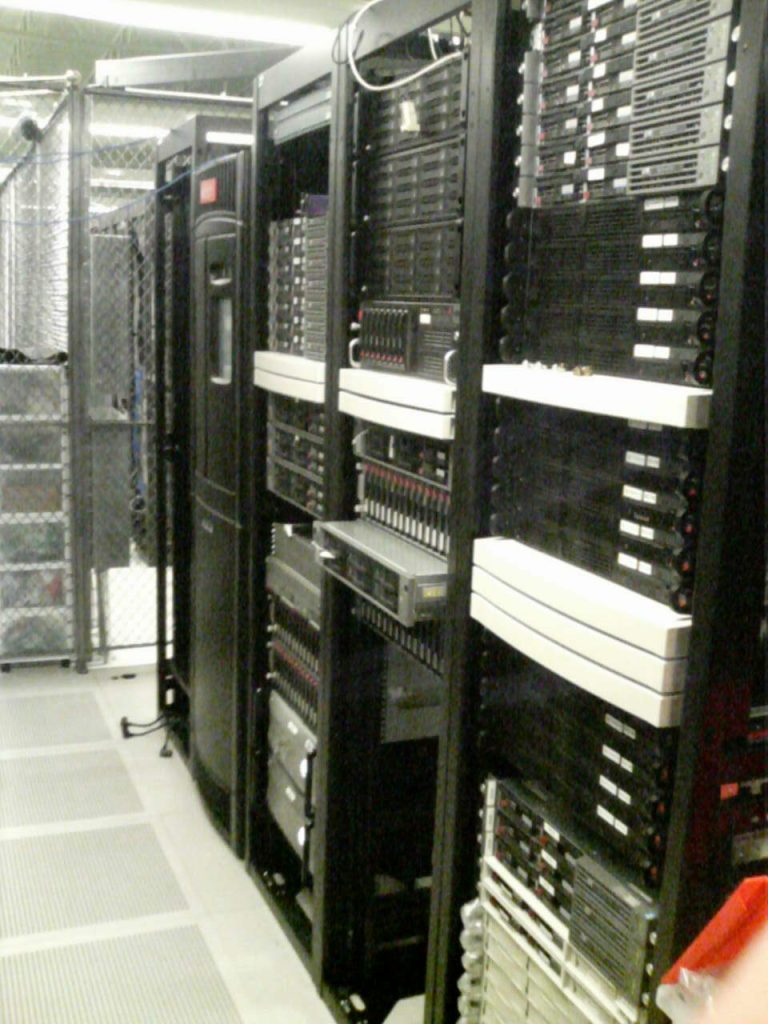
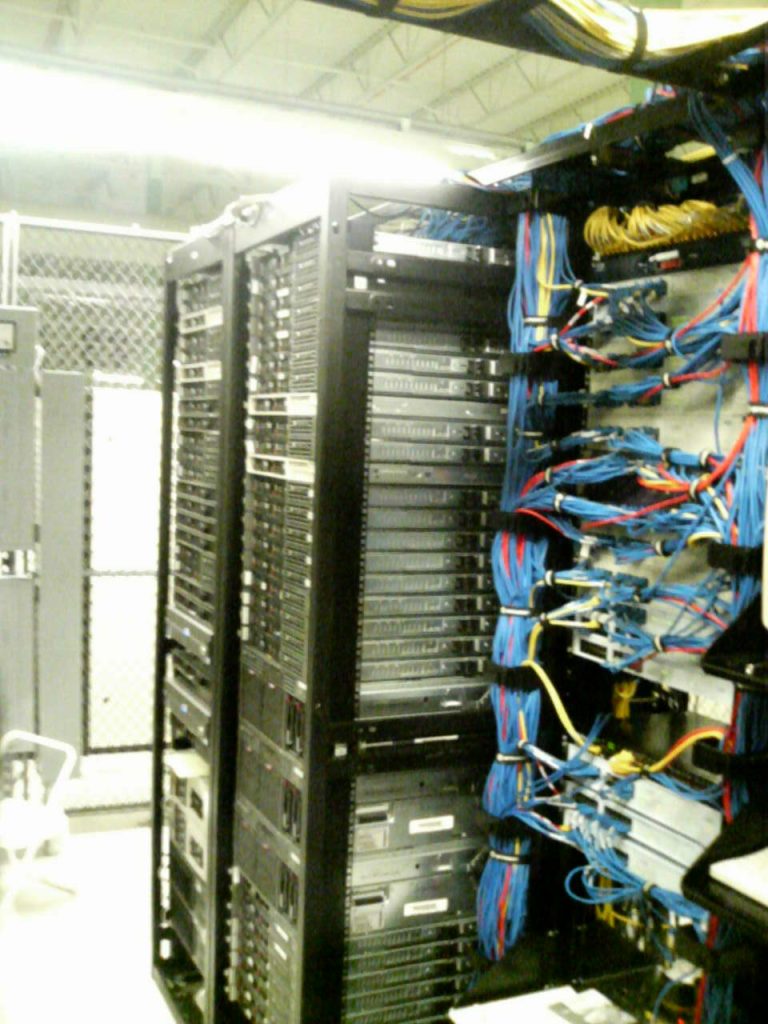
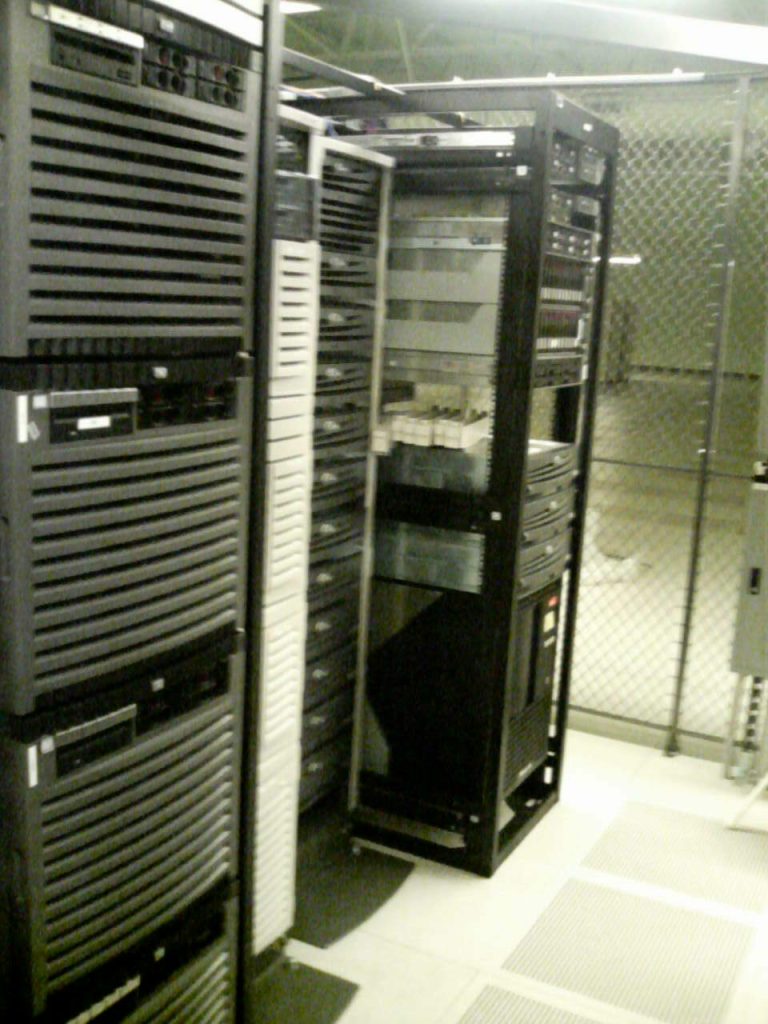
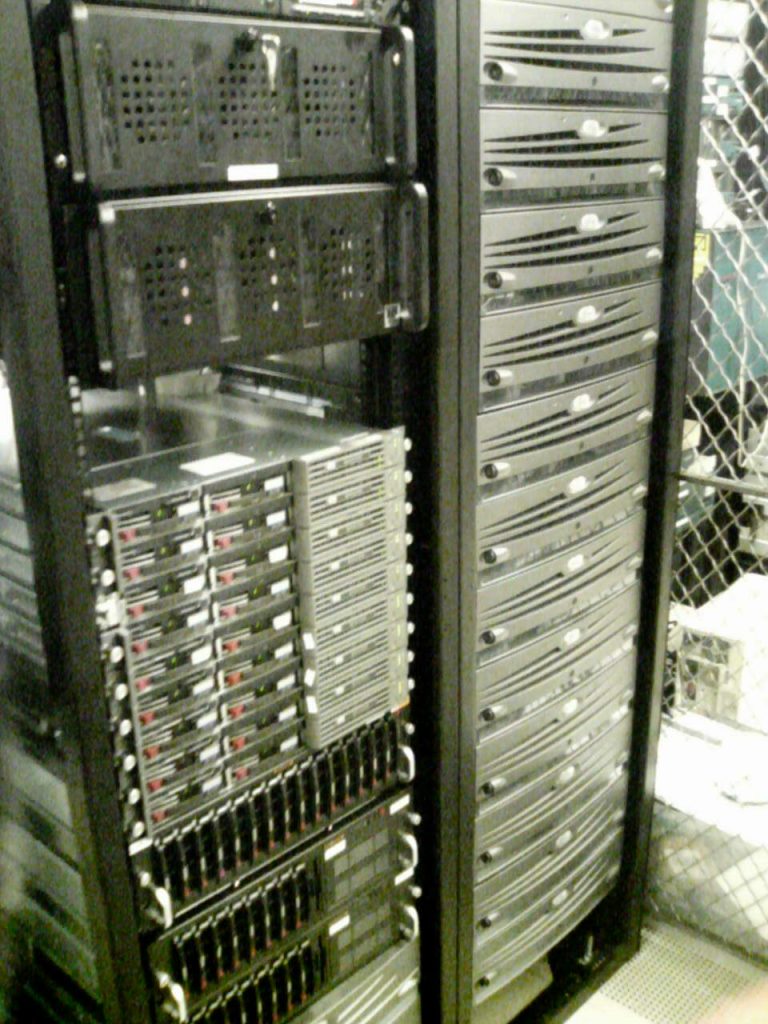
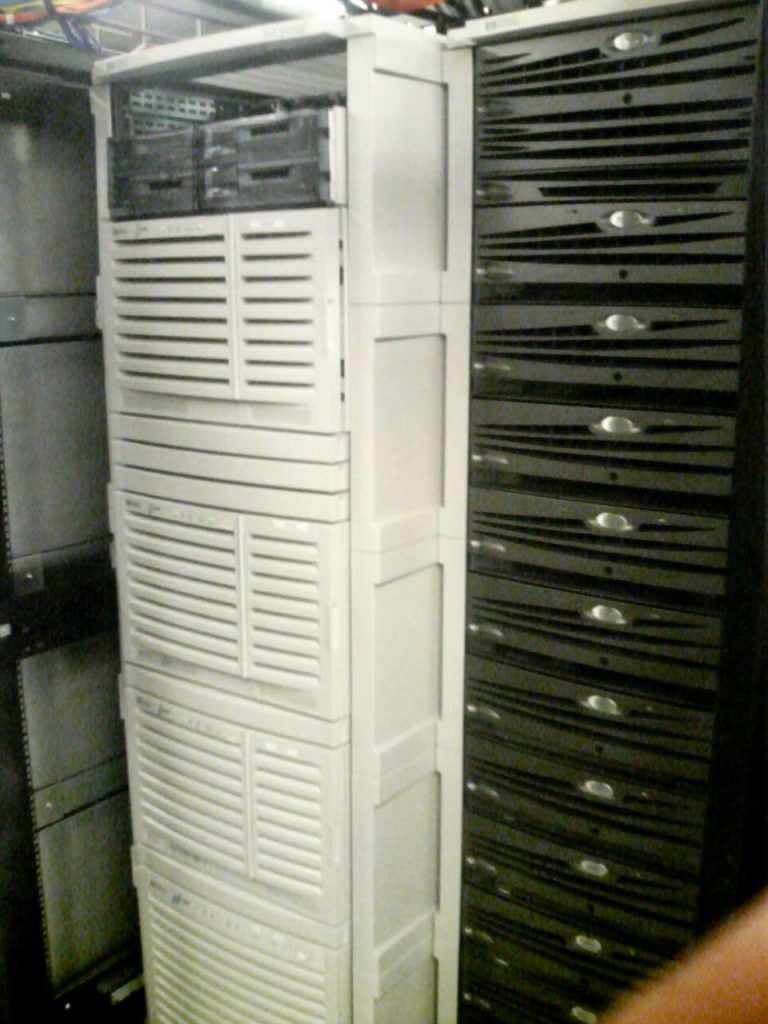
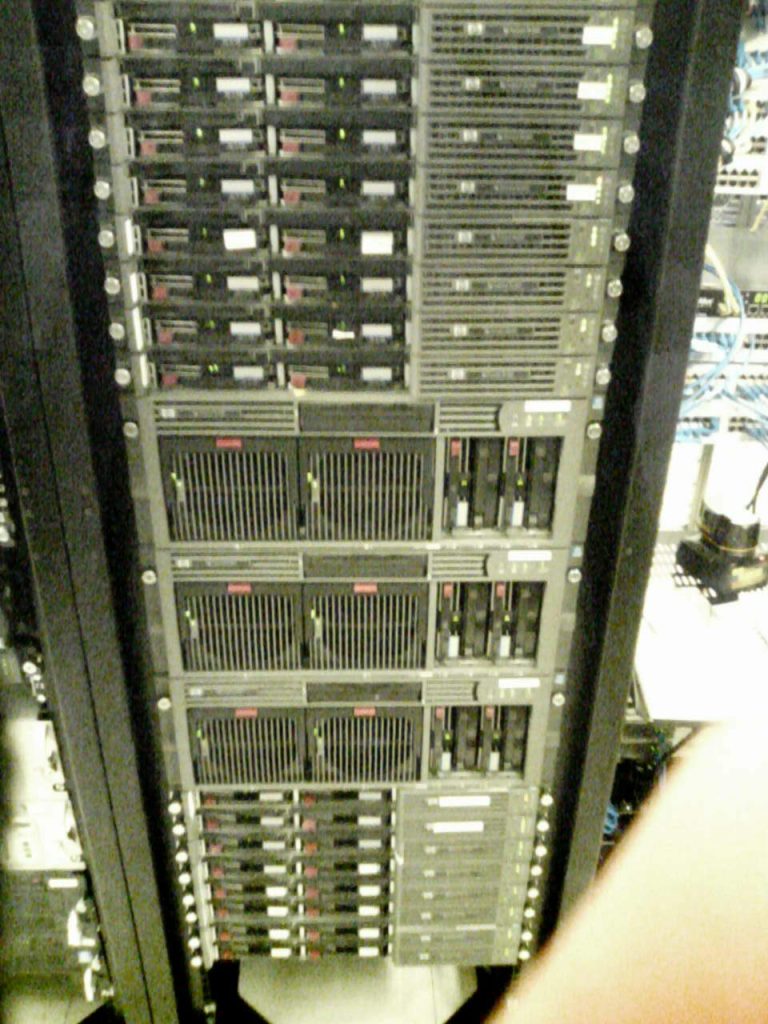
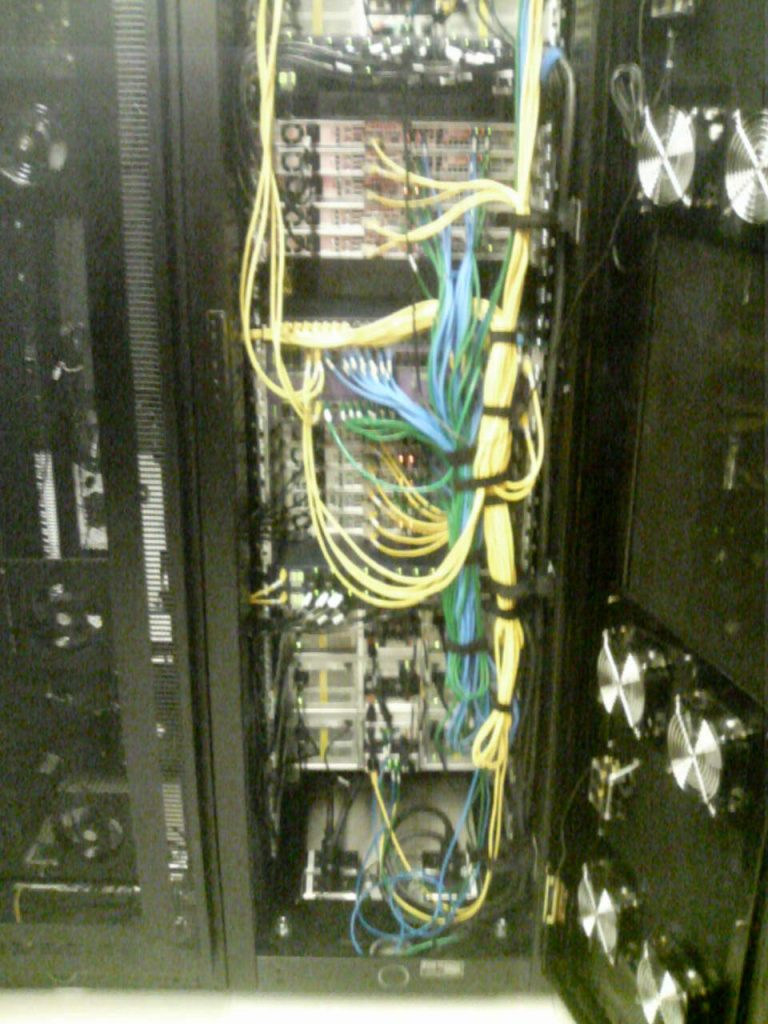
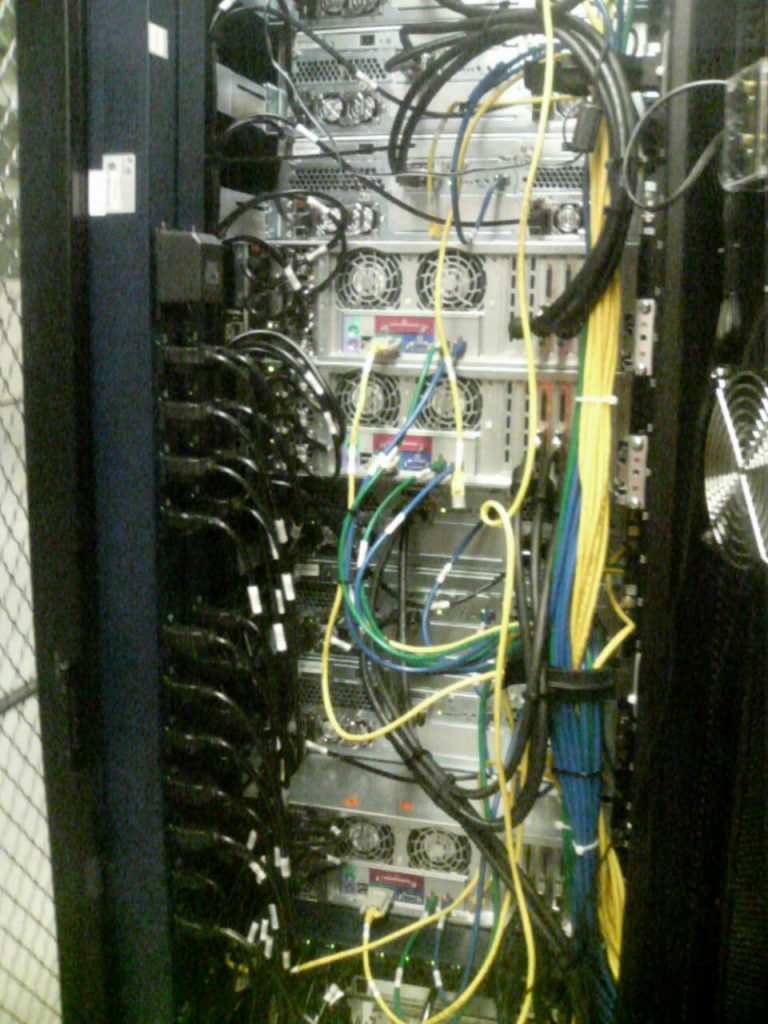
Phase one was the initial deployment we had at the data center which was about twelve racks(they had this long before I was hired), packed to the max(at the time I took the pictures which was two years after I joined the company). It was quite disorganized, especially cabling wise on the back(no pictures of the back, hardly any space between the rear of the racks and the cage wall, there was a sea of cables, none of which were labeled and no cable management). Built incrementally without any planning or strategy. I remember getting alerts from our data center sometimes saying some circuits were drawing too much power and probably wouldn’t survive a failure, but we had no idea which circuit was which or what was plugged into where. Fortunately we never had a power issue.
Despite having enterprise equipment with fancy out of band management we never used it(nobody had time or experience to figure it out). Very fortunate that the hardware was super reliable, very rarely had failures(except for the on board Broadcom NICs(which didn’t fail but had major driver issues), we had to install PCI-X Intel Dual port Gig NICs in every server). I do remember during this phase we would often order new hardware from HP and have it shipped overnight because we needed them right away.
Phase two
Phase two remains the largest IT infrastructure project I have ever been involved with, and at this point I think it will remain the case for the remainder of my career. I was really the key person on the technical side driving it. One of the few projects where we actually had a dedicated project manager(outside consultant), that helped schedule and drive the project which spanned upwards of about a year from concept to completion. It really all started with my idea about starting fresh, leveraging knowledge I had gained from operating their complex application stack, and completely re-working how we did things on the front end(basically everything except the back end databases/SAN storage which I had no direct involvement with). My management told me to “aim for the sky, because there will be push back”. In the end there was no push back. I got everything I asked for and more. It was completely overwhelming, an insane amount of work. This was my last build out before virtualization really got a foothold in IT, had it been mature enough at the time I would have used it. I did in fact deploy my first production mission critical VMware stack in 2004, and this project started about 8 months after that. It would be another couple of years before I felt VMware, and the x86 platform would be good enough for more important tasks(that changed fast once quad core CPUs hit the market).
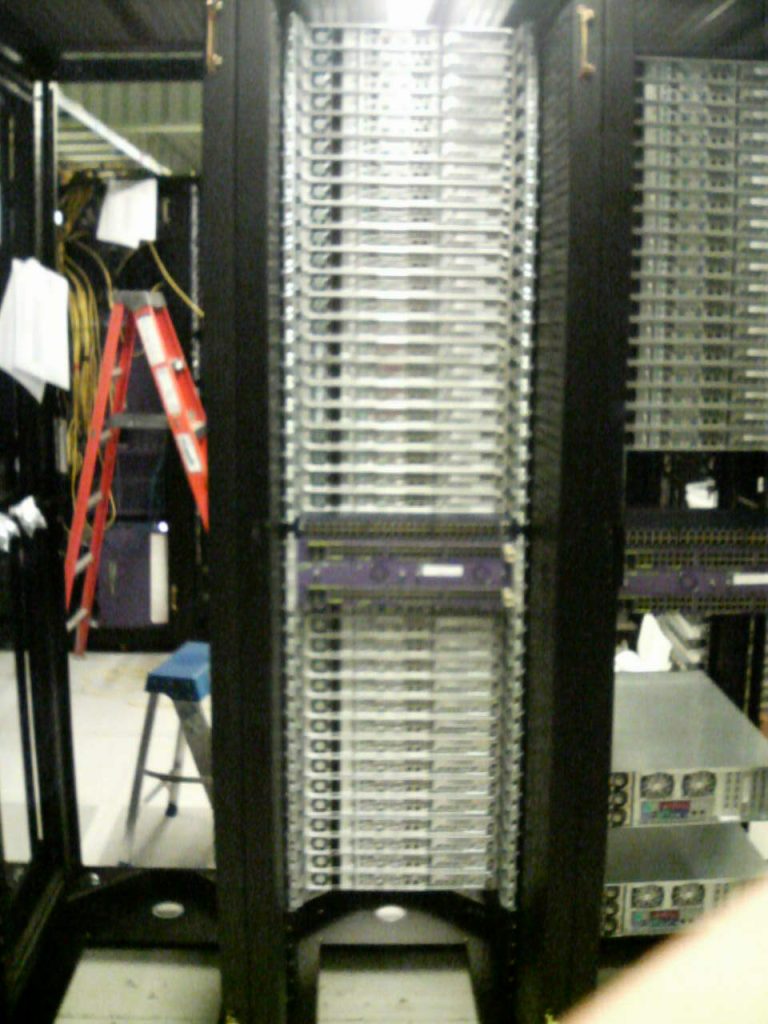
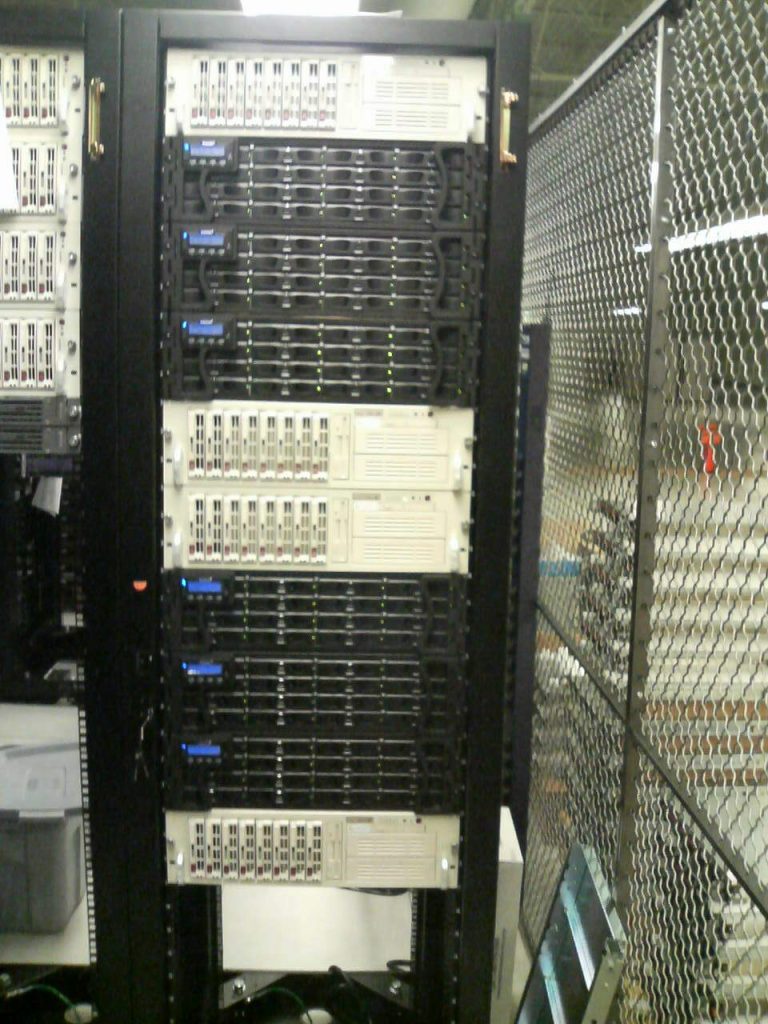
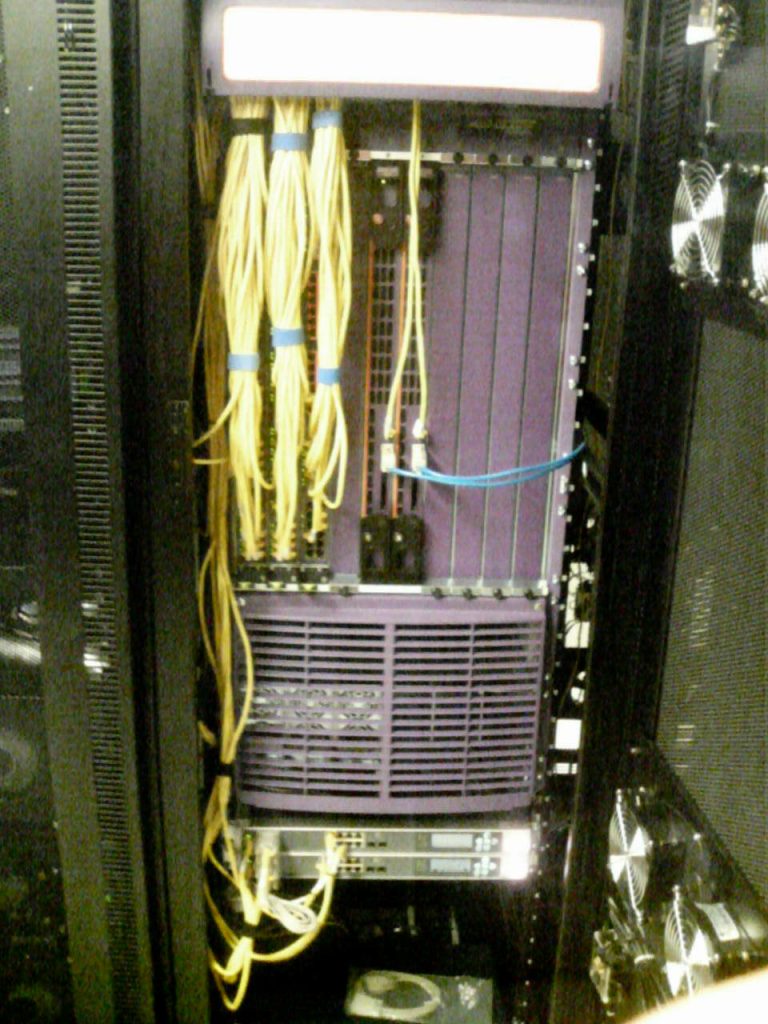
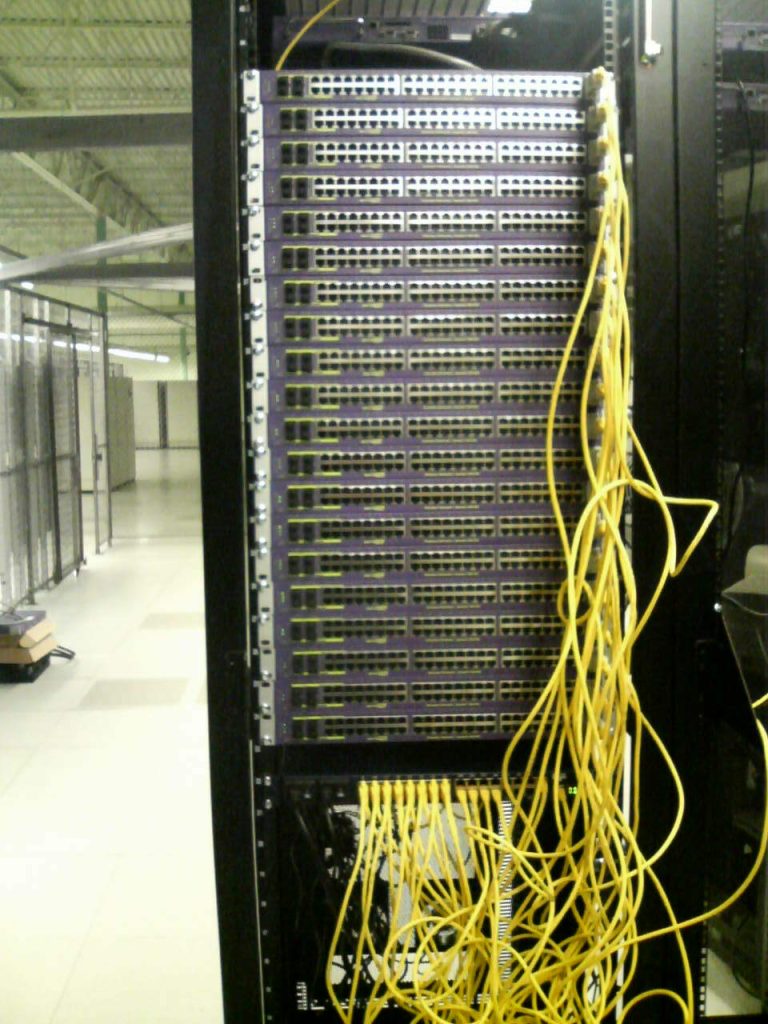
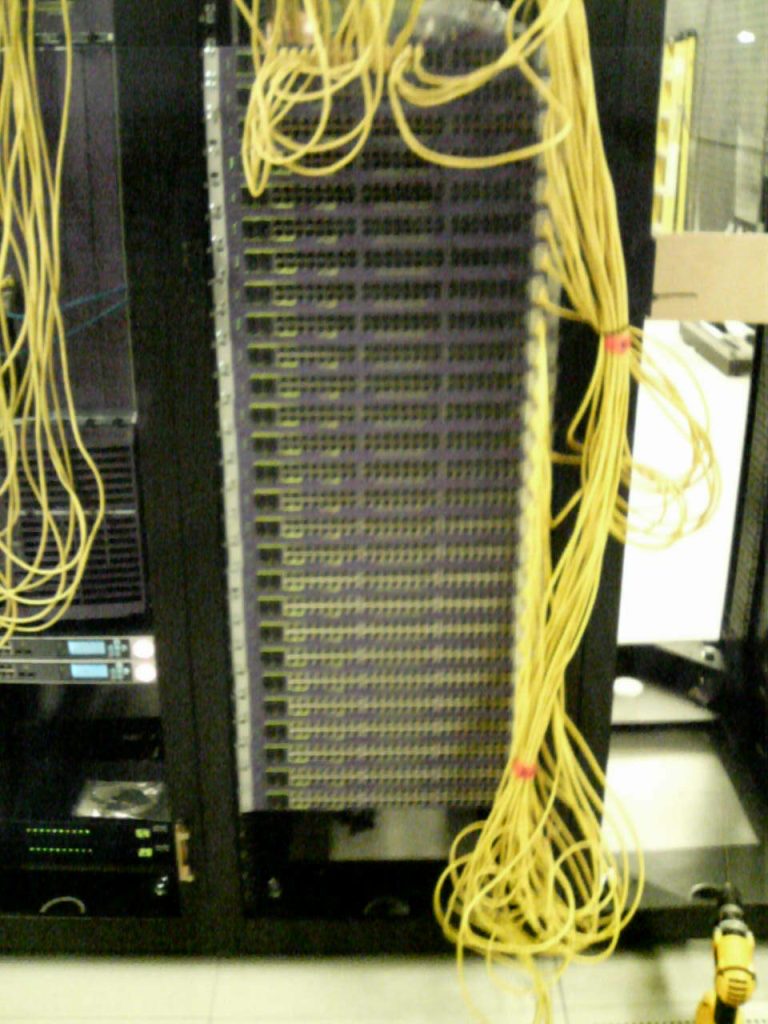
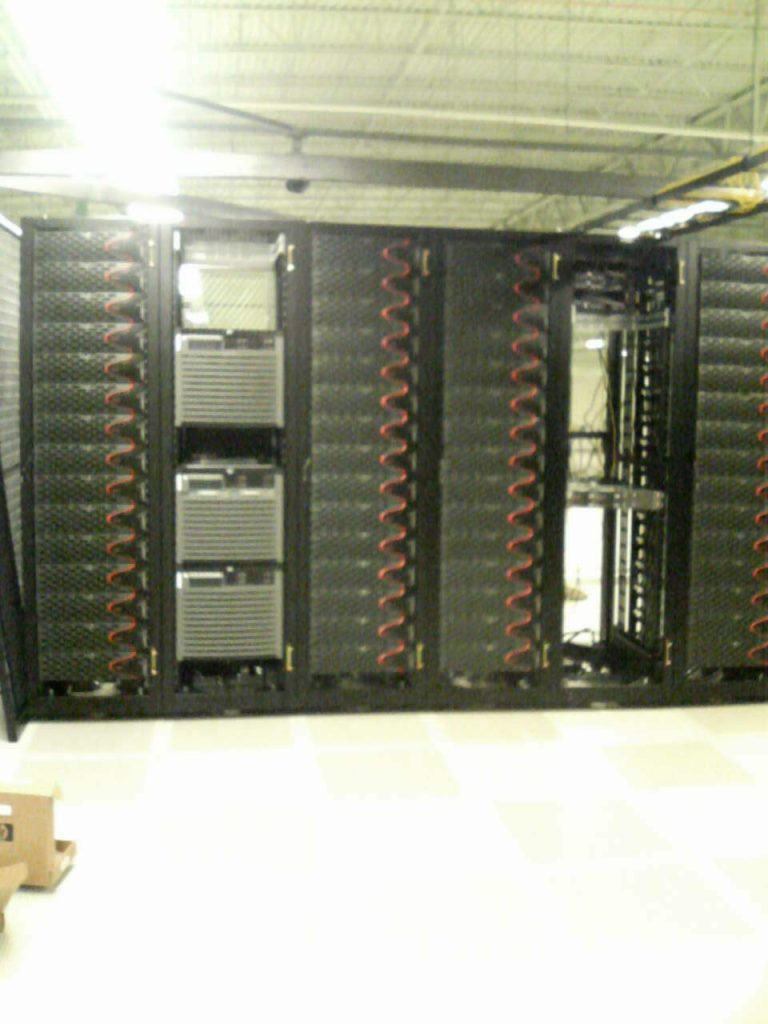
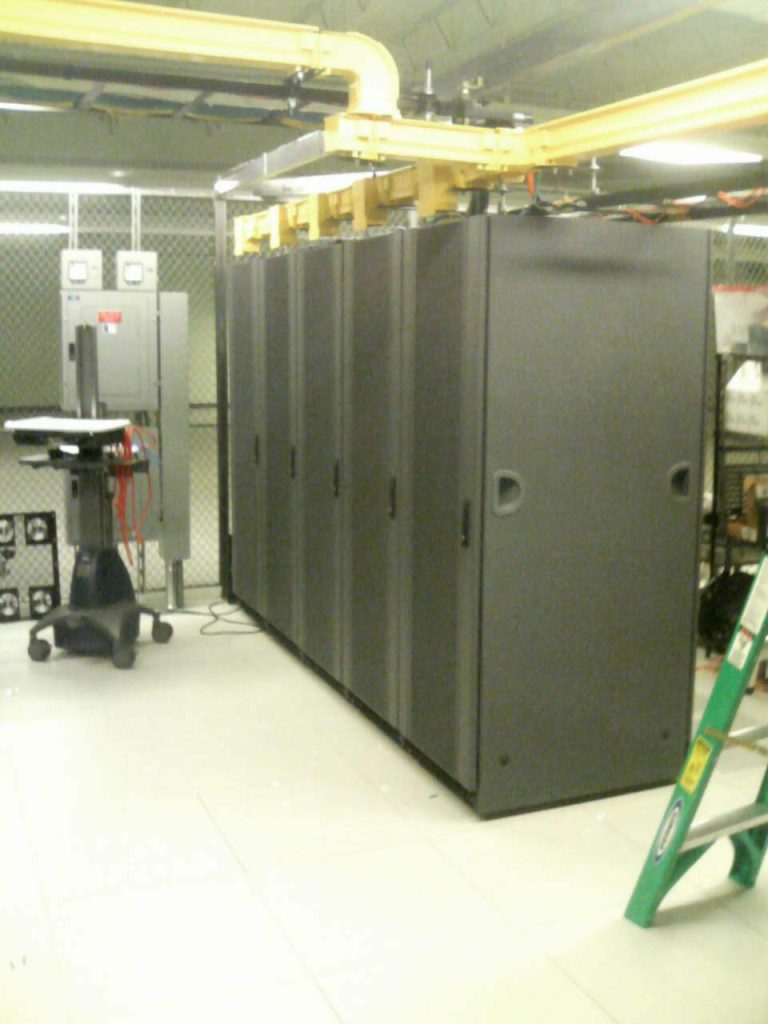
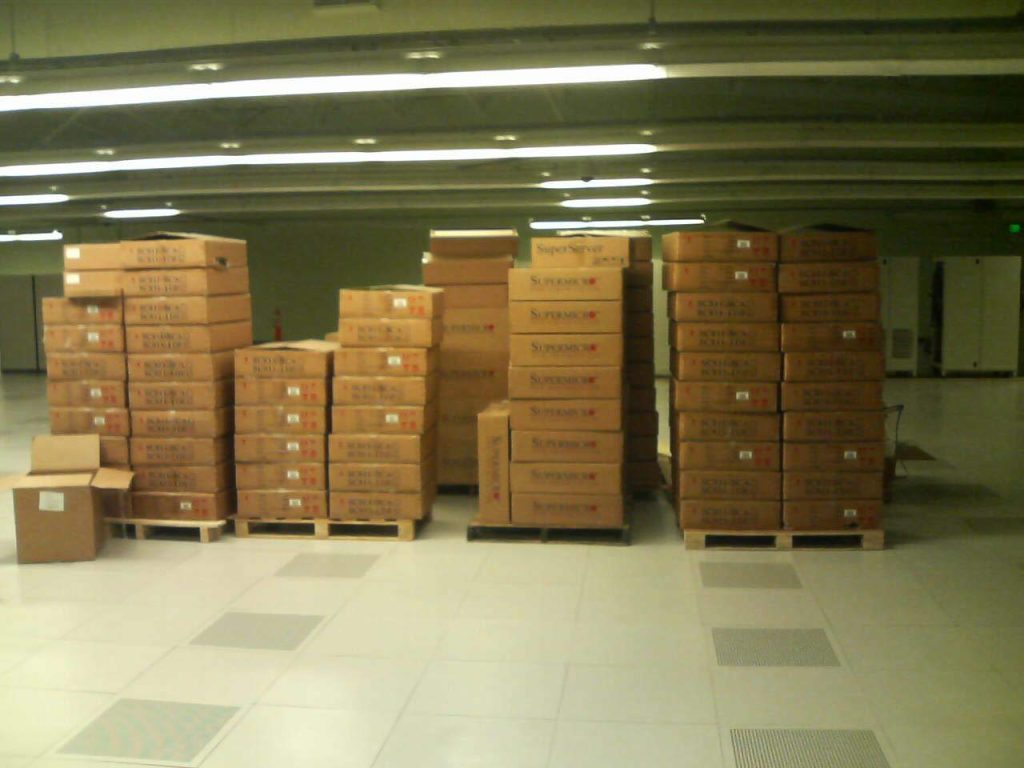
More than three hundred servers, three thousand network ports(not all of them got used – 54 x 48 port GigE switches and 2×180 port chassis core switches), forty racks, FIVE HUNDRED KILOWATTS of power, on a $7 million budget.
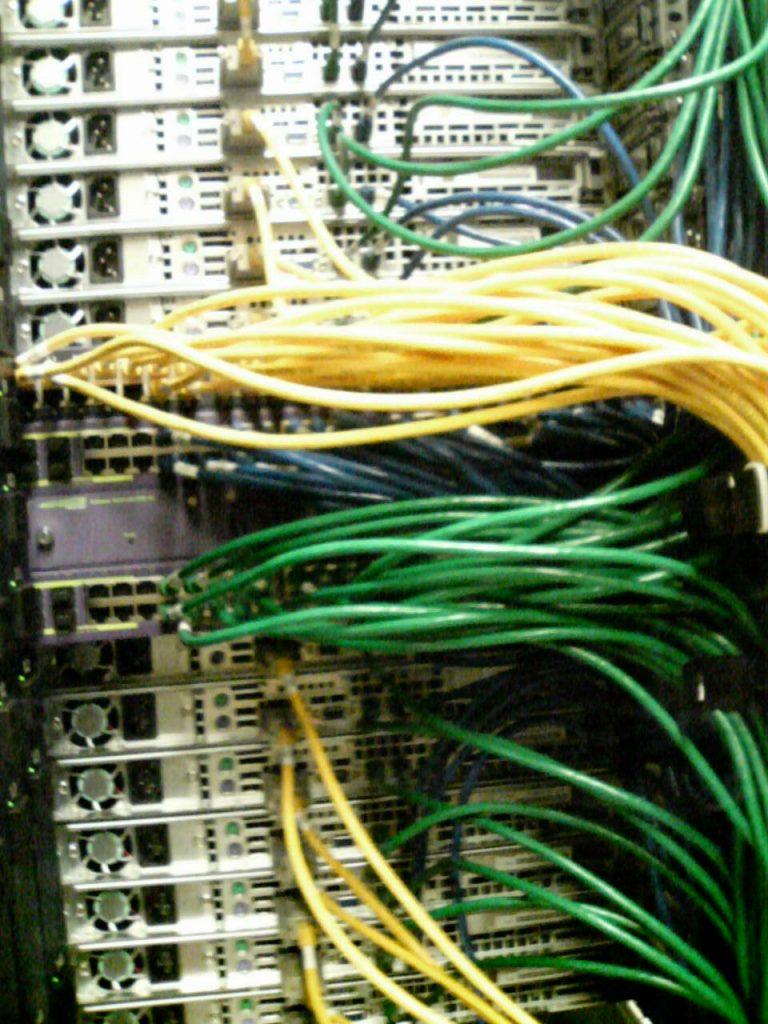
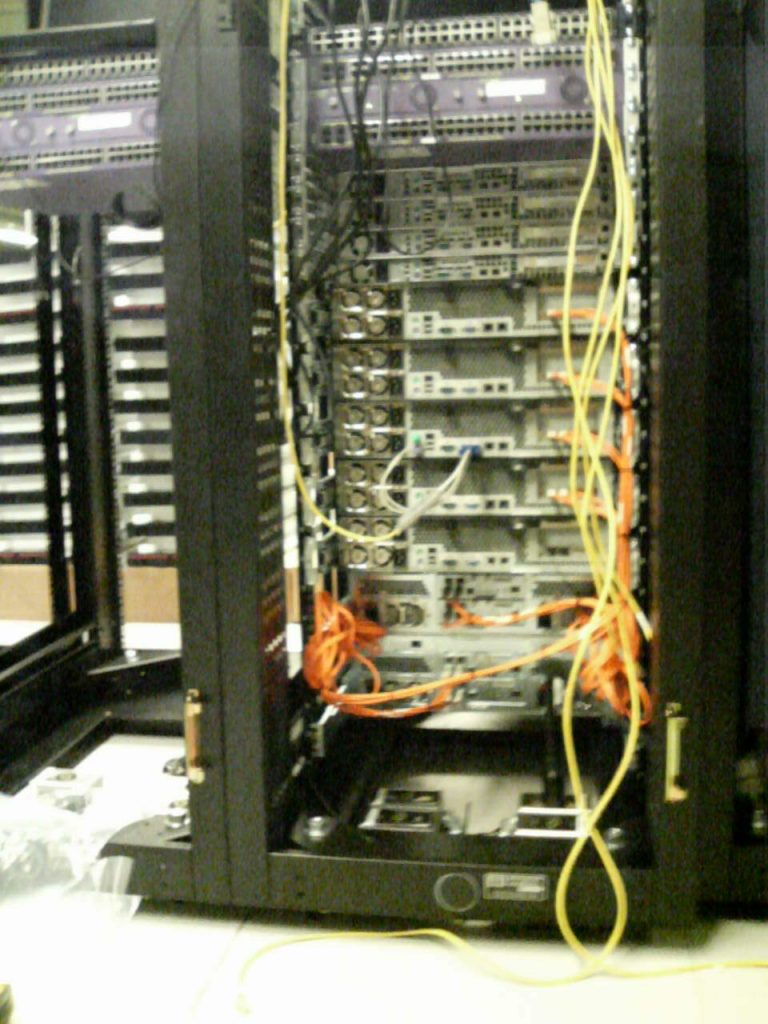
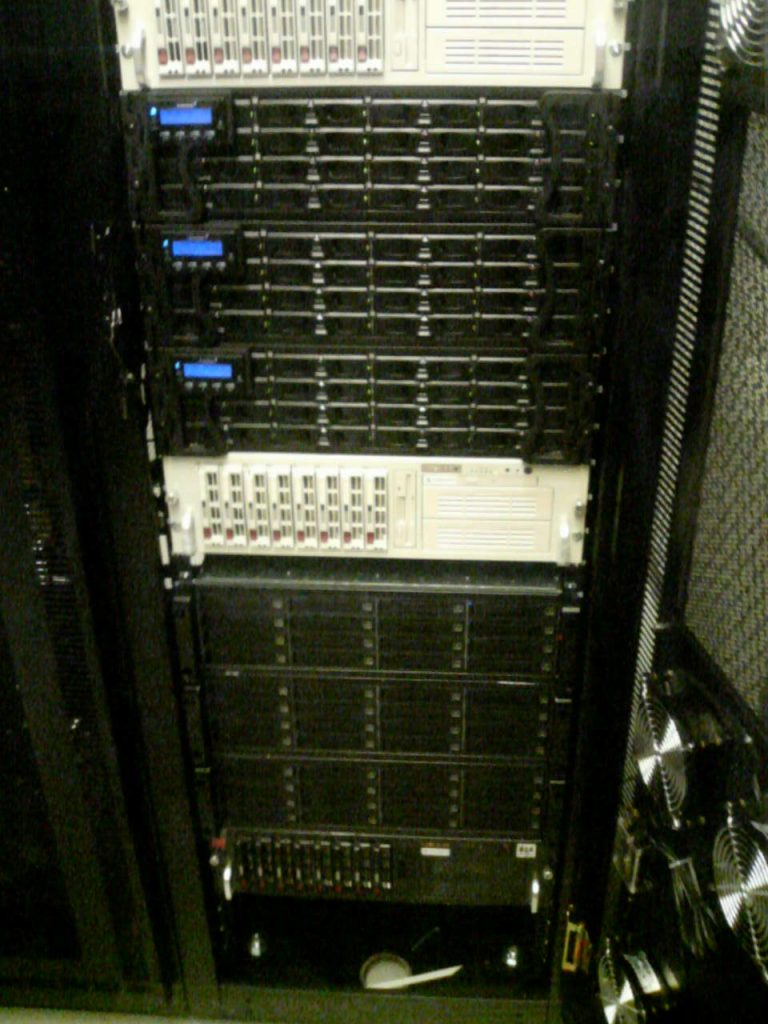
This was almost entirely Supermicro based systems. I had known the vendor for about four years at that point and they helped come up with configurations. We later leveraged their staff(at the reseller, not Supermicro staff) to help rack & stack and cable. We made a lot of mistakes for sure(too many to list), but learned a lot as well. It was shocking how poorly the reseller treated their employees I had no idea. They literally were given something like $10 per day for food for the WHOLE DAY. They were quite miserable. I tried to help where I could. They stayed on for weeks at a time doing stuff.
Most of the servers were dual socket single core Xeon, with 4GB of memory, dual Intel GigE network, dual or quad SATA disks with 3Ware RAID. Many systems didn’t have hot swap drives(one of the mistakes..). The operating system was Red Hat Enterprise 3.0, and we used CFEngine configuration management tool to manage them. Power wise most were single power supply, and we had active-active power feeds in those racks from different UPSs. So if one feed failed(or if a PDU failed…) we’d only lose a portion of the servers in the rack.
We had lots of hardware issues, their company was small enough that they lacked capacity to build and test this volume of stuff before shipping, so we got mostly untested stuff. I developed burn-in processes to try to catch stuff where I could and they would replace systems that had issues. Bad memory was probably the biggest problem, and Supermicro was TERRIBLE at the time at least for troubleshooting bad ram. They basically said take one stick out at a time and see if it still crashes. I told them you must replace this entire server with a new one and you can take the old one and fix it and maybe use it again later. This wasn’t too bad given I have dozens of the same kind of system if one or two are crashing I know it’s hardware related. At subsequent companies I went back to HP and fell in love with their platform. When a memory stick went bad it literally told you exactly what stick to replace and it was accurate practically 100% of the time. It even light up a light next to the memory module indicating THIS IS THE BAD ONE.
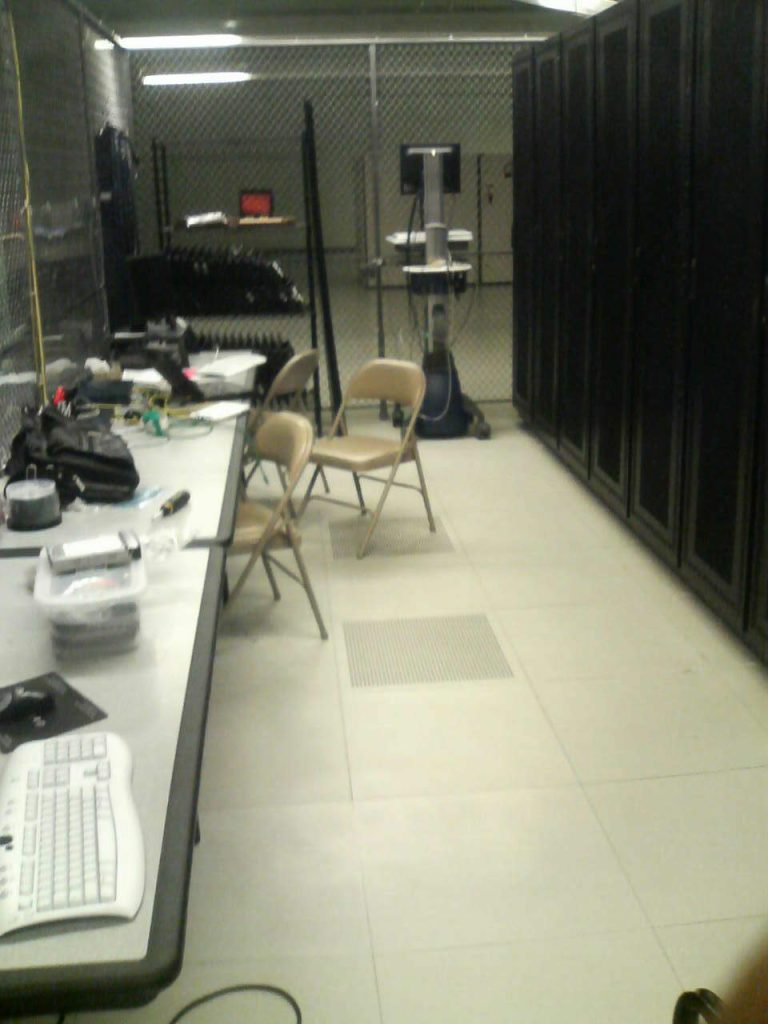
At the time, our new build out was by far the largest single cage in the data center, I remember discussions on build out with AT&T, they made a couple mistakes as well which I actually used to my advantage at my next employer when I moved them to this same facility. One big mistake they made was on power density, everything was fine and dandy until the last minute, when they changed their mind and said we had to separate our rows of cabinets with 8 feet of open space in order to satisfy density requirements. The facility at the time was made to handle I think 120W per square foot or something(or was it 90? I don’t recall). We kept out original cage in place, so it was a total of 60 racks of equipment between the two cages.
Some will notice that most of the servers have only a single fixed power supply. The biggest reason for going with Supermicro at the time was cost. We were an HP shop at the time, but HP really had nothing that used SATA drives, and I wanted to use SATA with 3Ware RAID controllers to cut costs, vs the high end SCSI on our existing drives. The servers ended up being about half the cost if not less than half the cost per unit, but there were compromises. No fancy out of band management (but we did leverage serial consoles on everything), single power supply on the non critical systems as well.
I used Cyclades serial consoles and PDUs(allowed me to remotely power cycle systems directly from the serial console of said system). One of the many mistakes we made was trusting Cyclades for their PDUs. The quality was absolutely terrible, we had probably a 20% failure rate on PDUs.
To their credit(or perhaps this was a mistake), they later invited me on a tour of their production facility where they showed how they made their PDUs and how they did their QA(and to promise they were improving). It was nice of them but their QA really scared me. They were testing their PDUs by simply plugging light bulbs into the outlets, I’ll never forget that part of the tour(the rest I have no memory of).
I also remember having meeting(s) at Supermicro’s headquarters discussing what my company thought we were going to do for the future as our growth was exploding at the time.
I didn’t get to see much of what happened after that as I left the company pretty suddenly shortly after the project following intense disagreements with my direct manager. I was so burned out at that point(something I didn’t realize till later) I just couldn’t put up with the shit he was throwing my direction so I got out fast. My manager went from being completely supportive and helped guide my team and I through this year long project to completely flipping “sides” at the end with no warning. It made no sense, so I was out. (there is more to this story but not relevant to this just wanted to say I didn’t operate this gear for more than maybe 10 months).
The company in question was acquired by a huge company barely a month I think after I left(their business model was about to be destroyed by the Apple/Android app stores though nobody knew that(including me) at the time). Fortunately I was able to go back and buy the rest of my stock options. I had about 4,100 that had vested, 2,700 of which were priced at $0.04. Paid about $950 for all of them, then got something like $20k after tax when they were acquired. At this point in my career I suspect it will end up being the only stock payout from any company. I remember my former manager telling me years later “You walked away from a LOT of money”(I assume that was mainly retention bonuses). I asked him what happened to his money and he blew it on stupid stuff apparently didn’t have anything left. For me, all of it went to paying credit card debt, burnout was real. But it was wonderful to get most/all of that paid off. My legacy lived on for several years there my former manager told me he was in a meeting several years later, and someone brought up some cron jobs that they saw and didn’t know what they were, and my manager said oh, those were my jobs, and everyone had a blank face. He said he had to do a double take and ask does nobody know who this guy was? Pretty funny to me anyway.
Something that just blows my mind though, is thinking back to all of this, and how now, in the 2020s these 40 racks of capacity can literally be squeezed into a QUARTER of a SINGLE CABINET today with modern powerful servers, and still give a lot better performance as well. Which is why I’m confident I’ll never have this kind of build out again in my career. (another reason is I have never had any interest working for large companies)
Late 2000s
Forgot to take pictures
Unfortunately in between the above company and the next set of pictures, I did work at another company for two years, and built out their on site 10 rack server room in the office as well as moved their critical infrastructure from Fisher Plaza data center in Seattle, to AT&T in Lynnwood. Unfortunate because I never took a single picture the entire time.
My only data center failure experience
Speaking of Fisher Plaza, when I was hired at this company they were co-located in Fisher Plaza, which at the time was being run by a company named Internap. During the dot com era this data center was thought of being a very high quality facility, and maybe for that time it was. I recall being told stories of how the facility would stay dark, and when you would go inside there would be “running lights” to guide customers to their equipment, and lights would illuminate only their stuff for them. By the time I entered the facility for the first time they no longer practiced that. The facility had hidden design flaws though which reared their head eventually. Add to that general mismanagement of the facility on the part of Internap perhaps, this was the only facility I’ve been hosted with professionally that has suffered a facility wide power failure, and there were multiple such failures.
I recall two at least, one was purely mismanagement, they did not replace the UPS batteries on schedule and when there was a utility power failure, the batteries failed as well. Another situation was a customer (for whatever reason), wanted to see what would happen if the “Emergency Power Off” switch was hit, and so they hit it, which killed power to the facility(normally you might hit this in the event of a fire). All customers had to go through special “EPO Training” following that.
From the get go, I did not like this facility, and did not like our setup. We had systems in at least 3 different parts of the facility and it was just a crap experience vs what I was used to AT&T. Add to that severe power restrictions as well. The rails on the cabinets didn’t do a good job at properly securing equipment in some cases(hard to explain). I wanted out. So I began talks with AT&T to move to the only other data center I had ever used to that point. Initially management at my then employer wasn’t too interested in moving.
But then another power outage hit, and I specifically recall the VP of engineering coming to me after that and saying “I want to get out of that facility, I don’t care what it takes”. Music to my ears, I was probably 90% done with talks with AT&T and about to have a contract ready to sign. I still remember having AT&T give a tour of the facility to my management. AT&T pulled out all the stops(I felt guilty, didn’t want them to think we were a huge company), I think probably 6-7 different people from AT&T (at least half were not data center employees) greeted us and took us on the tour. Maybe just “big company” mentality.
We moved out probably a month after that, it remains the only real data center migration I’ve ever done from one facility to another and it was kind of a cheap way to go about doing it but we got it done(loading servers in a moving truck and driving them to the other facility, I recall my boss being super pissed at our IT supplier whom we leveraged to do much of the work as they got stuck in traffic and were probably over an hour late). I do remember my co-worker trying to automate the new IP addresses on the systems and had a typo in every single config file, so we had to login to each system and fix the typo when we moved them. But it all worked out in the end. That was in 2007.
Fast forward to 2009(I was at another company at that point though we had no equipment at that facility either), and that Fisher Plaza facility’s design flaw came to life when they had a fire in their electrical room and that killed the facility for over 40 hours, causing millions in damage to the facility. They ran the facility on generator trucks for months while they rebuilt the power systems. Compare the impact of that fire, to the impact of a fire in an electrical room in a Terremark facility years later, where there was literally zero customer impact, showing how you design a proper tier 4 world class data center.
Standardizing on server form factors and optimizing for Oracle
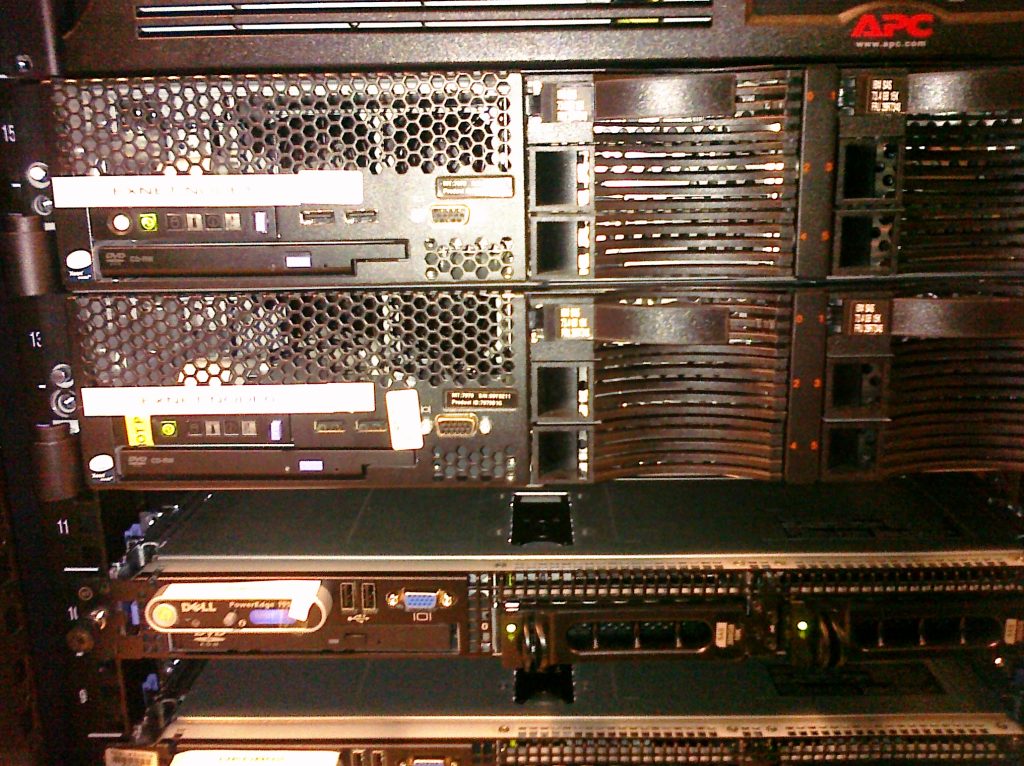
It was this company though, that I decided to standardize on 2U servers(HP DL380G5 at the time) for just about everything. 1U drew too much power and I couldn’t fill a rack with them(in most situations without special accommodations) as a result so you had a bunch of extra space. 2U was a better balance(still my standard in 2025) of power and space. Also gives more expansion and probably better cooling/lower noise.
I spent a bunch of time optimizing some of our server hardware to maximize utilization of our Oracle database licensing. Originally we used Enterprise edition which is very expensive per core, so I went with the fastest dual core systems available, later, after a second failed Oracle audit, they finally listened to me and approved me taking them to Oracle Standard Edition which was charged per socket, which meant we need to change our CPUs to single socket quad core to maximize cost efficiency so I did that as well. I specifically recall our HP DL380G5 systems advertised as quad core capable, and even had HP come on site to do the upgrade. The upgrade failed, they later realized the motherboard in the early revisions of the product was NOT quad core compatible, they replaced the board for free and upgraded the systems. They later updated their quick specs to reflect this situation.
This was also the first time I was introduced to 3PAR Utility Storage and my first real experience being responsible for a enterprise storage platform, a platform I continue to use almost two decades later.
Stupid Company Policies
When I did move that company to AT&T I knew about their power limitations in advance. I brought it up during the negotiations specifically because I wanted things to be built right. They insisted there was no problem, we did not need a larger cage for the power footprint that we had at my new company. I knew they were wrong, but I asked again. They came back and said they ran it up 3 levels of management at AT&T and everyone insisted there is no problem. So I said fine, it’s your policy not mine. So we signed the contract. I swear barely one or two weeks after we signed they came back and said we had a big problem. AT&T had JUST had a big policy change and now our cage is too small for our power requirements. I laughed and reminded them I just went through this with you. They understood but said there is a new policy that didn’t exist two weeks ago. I said that’s not our problem, you gave us approvals we are going forward. If you want to give us additional free space to compensate for your policy that is your decision. They thought about it, then said we were fine for now, but would have to change things when the contract was up for renewal. I wasn’t at that employer anymore by the time the contract came up, not sure what happened.
The company went out of business not too long after I left, and their assets were acquired by some other company. Possible they never even got to the end of their data center lease before going bust.
High rise data center
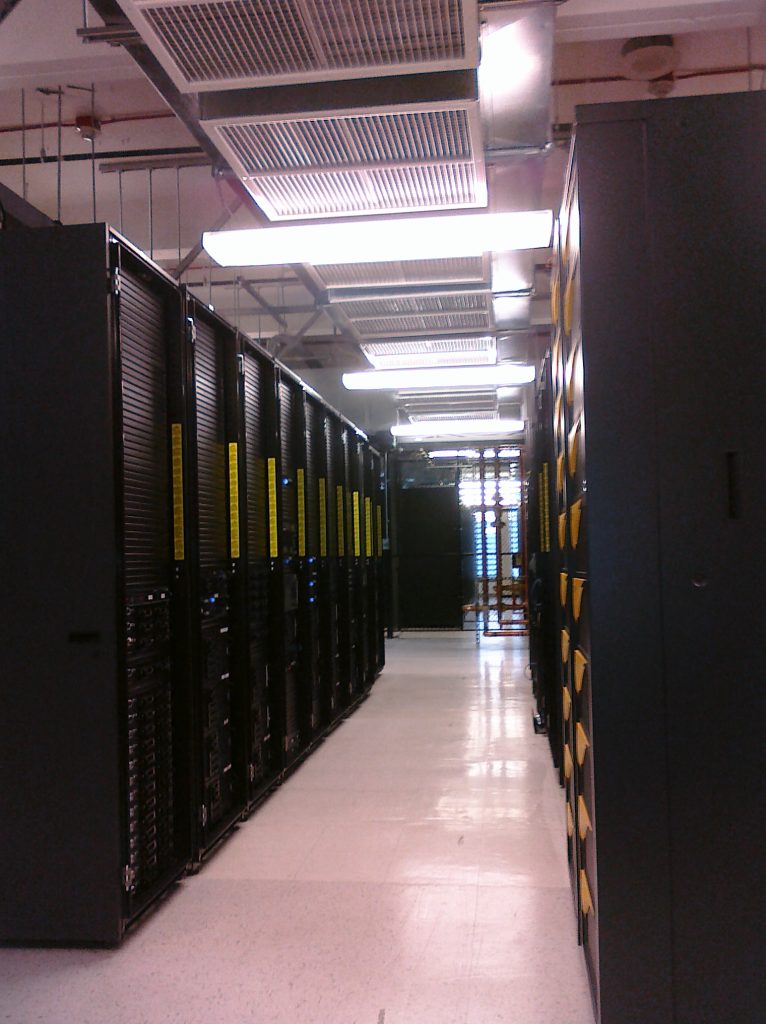
These pictures were taken in 2009-2010 at the next company I was at. This company went out of business around 2015. They had multiple active-active data center locations though I only ever visited local one which was hosted at the Westin Building in Seattle, WA.
Our presence in the Westin was split between two rooms, I think all of my pictures are from the largest of the two rooms which housed our back end infrastructure(we were the only customer in that room). We almost never went to the other room. This company was pretty lucky as their management were idiots. We had twenty racks on the back end, not only was there no redundant power, but every single rack came off of the SAME #$@#$ UPS. At an absolute minimum you should be alternating UPS/generators A-B-A-B between each rack. Or have a row of racks on one UPS and the other row on another. But no, every single rack on the same single UPS. Lucky because there was no power failures in that room while I was there. There was TWO full power outages in the other room we were hosting in, apparently a different customer connected some piece of bad equipment which tripped breakers and killed the power. Then they did it again a few months later. No redundant power in that room either.
When we got our high end 3PAR T400 storage platform they basically required redundant power. So that one system got to have redundant power. HOWEVER, my company was still CHEAP in that second power feed was NOT backed by UPS. There were several times where that second power feed had small disruptions, brownouts, or something(enough to trip alarms on the storage system but not cause impact due to the redundant power).
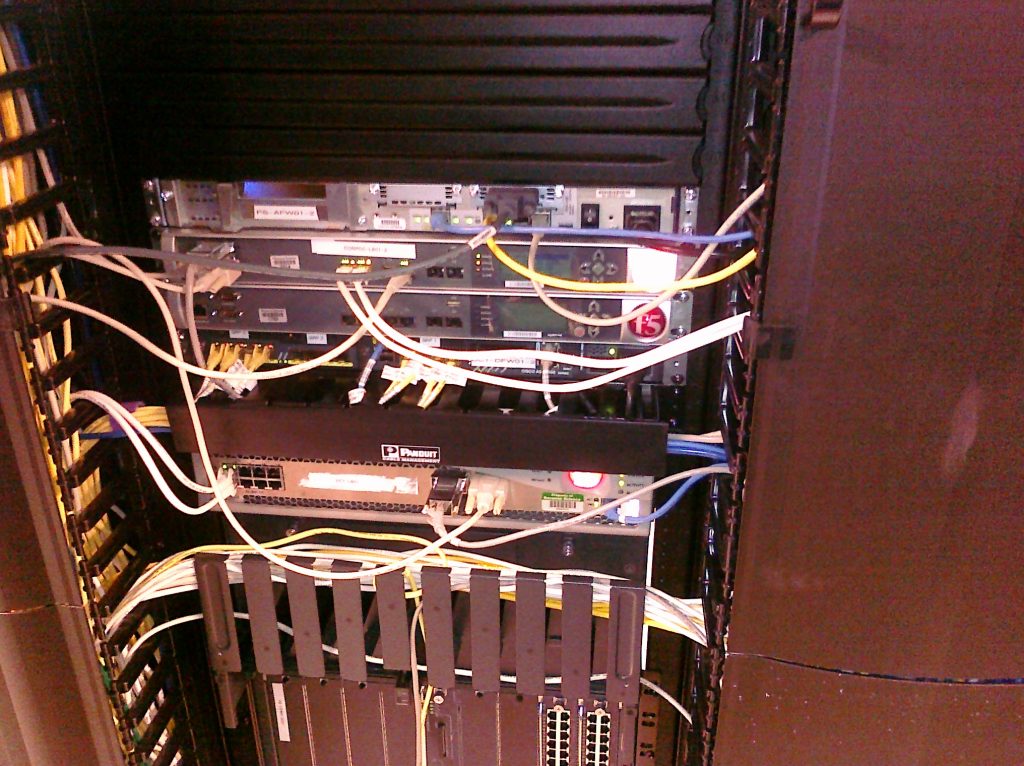
I helped out a lot where I could, however technically I was not responsible for the hardware portion of this environment except for the 3PAR. One of my co-workers was a dedicated “hardware guy” who did all of the rack & stack and cabling etc. Another co-worker was the “network” guy. I got along with both well. One weird thing is they had a pair of Cisco 6500 chassis switches. Apparently when they moved to that facility(before I was hired) they took one switch and used it at the new location, with the intention of bringing the second one over later and connecting them in a high availability configuration. That second switch sat there for over two years, nobody touched it, it never had a single cable plugged in, I don’t think even power cords. I was later told after I Ieft, a new VP was hired and they tried to do something with those 6500s and caused a massive network outage, unsure if the network engineer had been laid off at that point or not (both of my co-workers asked to be laid off to get severance after I left).
Since I mentioned stock options before, I’ll do it here too, when I left, I wanted to buy a minimal amount of stock options, I knew they were worthless I just wanted the stock certificate. So I cut them a check for $75 for 100 shares of common stock. I still have the signed paperwork and a copy of the check they sent me when it cleared.
They gave me a tax form to file with my taxes, I didn’t realize it at the time but they made a huge error on it, when I went to file my taxes, I used Turbotax, the one and only time I used that app. I plugged in the numbers and it said I owed something like $99,999 in taxes which shocked me.. after talking with their support they helped me realize what the error was. Multiple errors really. I manually fixed them on the tax form and never had an issue from IRS. I actually contacted the company afterwards and told them of the error they asked I send the paperwork back to get it fixed. I decided not to send it back just to see if they would ask again, they never did. Looking now in 2025 at my archived documents I do see a form here saying I purchased 5,625 shares of stock and paid them literally $4.2 MILLION DOLLARS. The fair market value of those shares was $6.1M. Oh man how sad, I mean they literally have a copy of my $75 check there(along with a copy of the signed “stock buy” forms, which says fair market value is $110) yet somehow someway they think I paid them $4 million. Obviously they went out of business and the stock was worthless in the end.
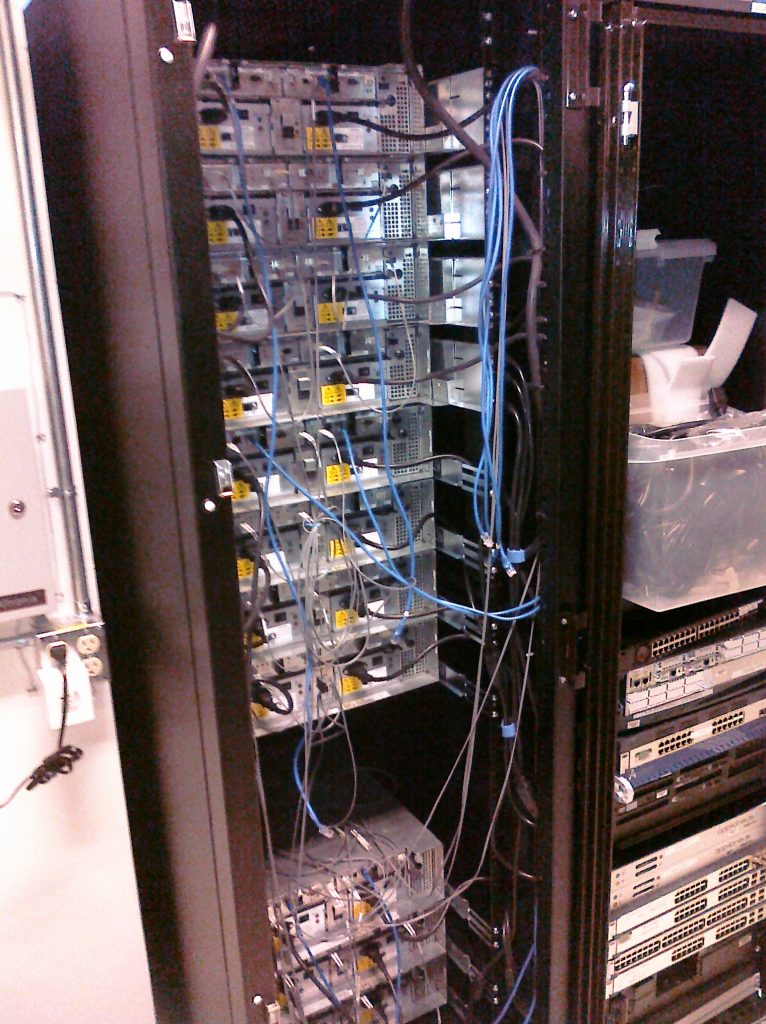
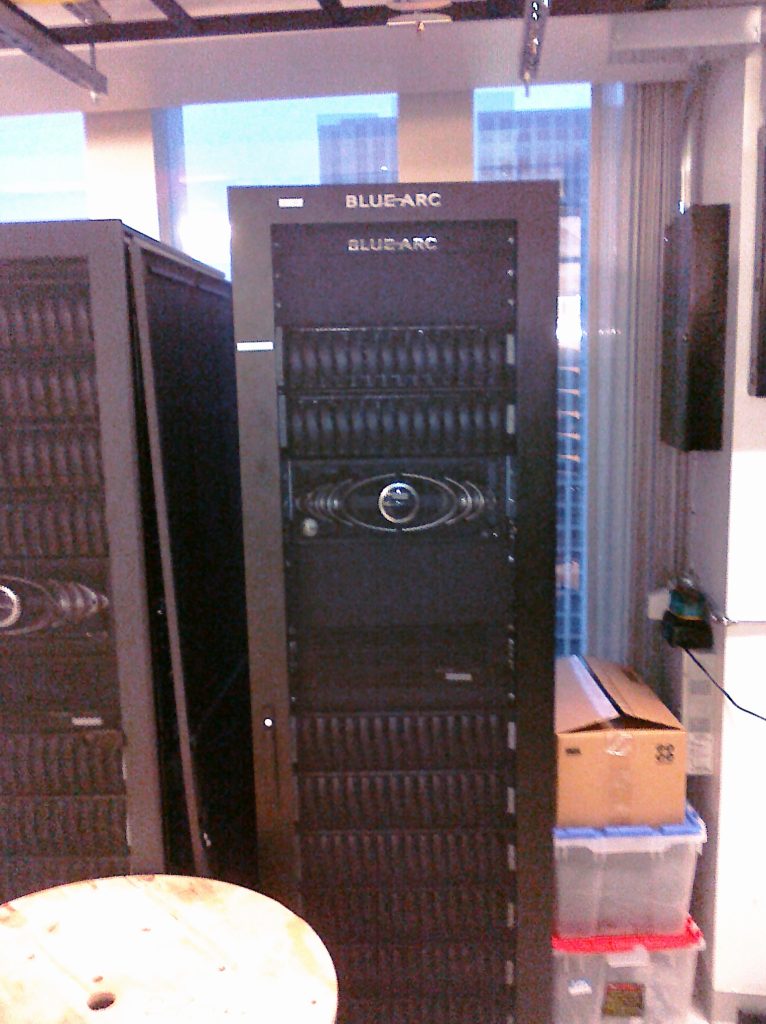
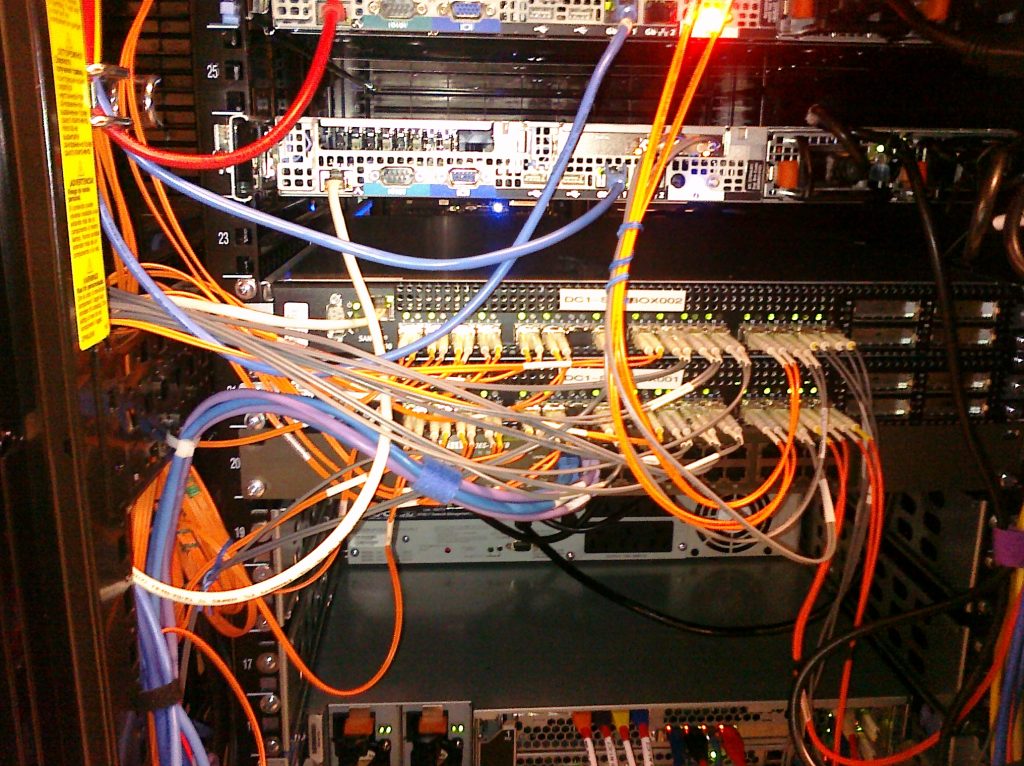
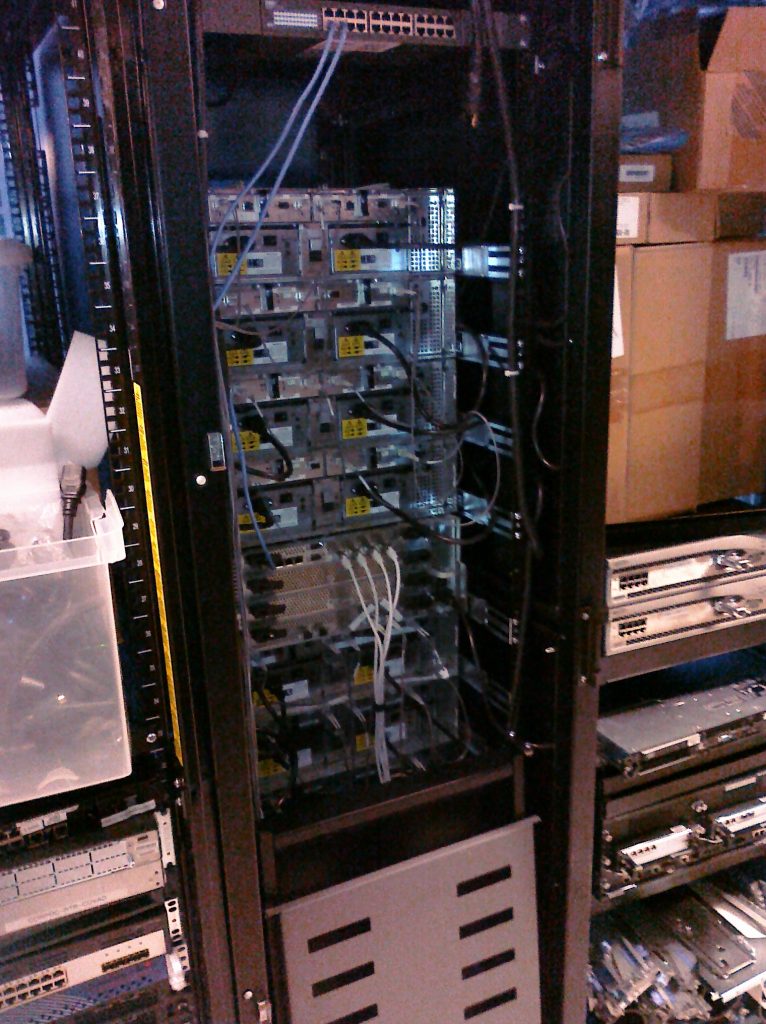
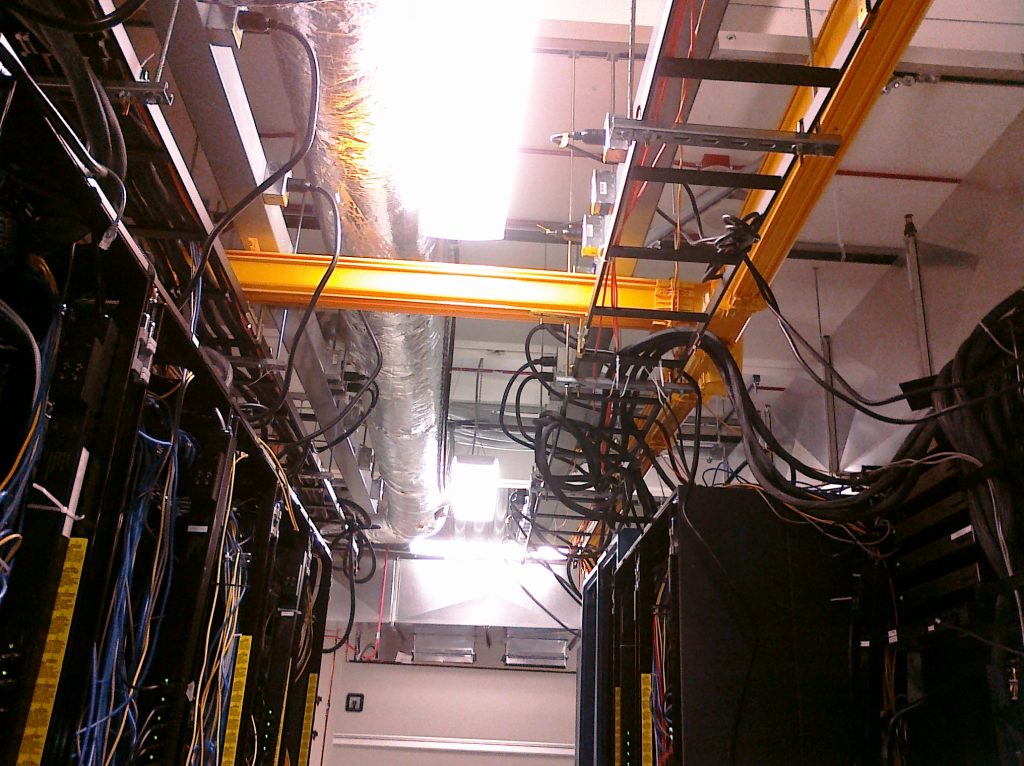
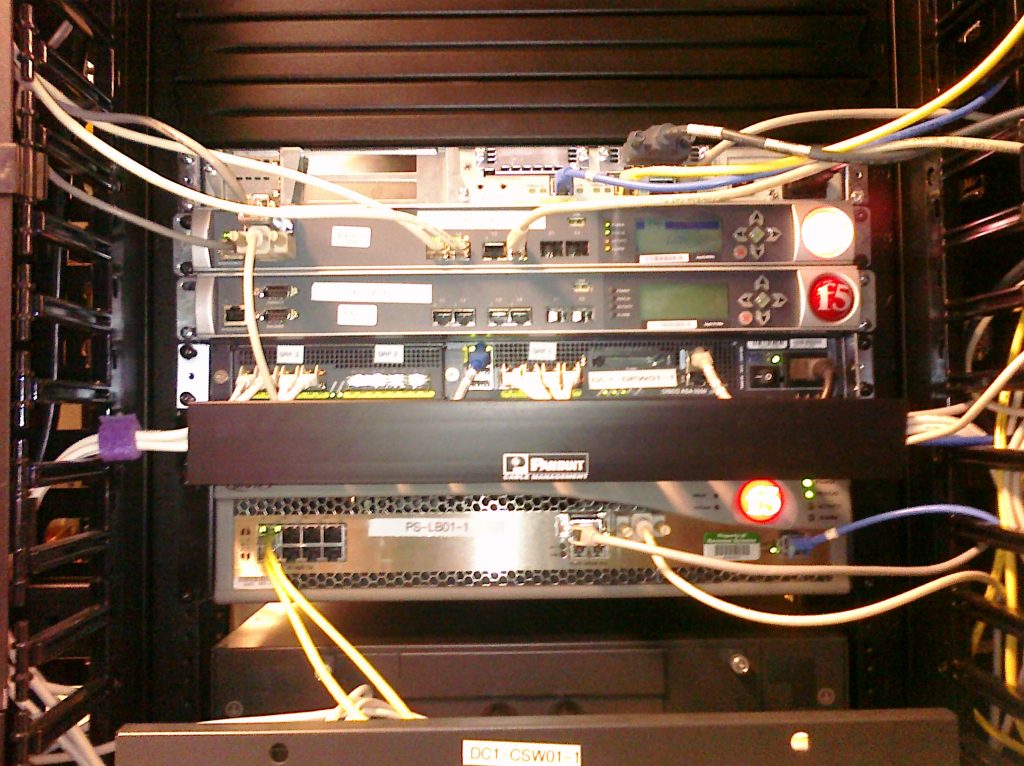
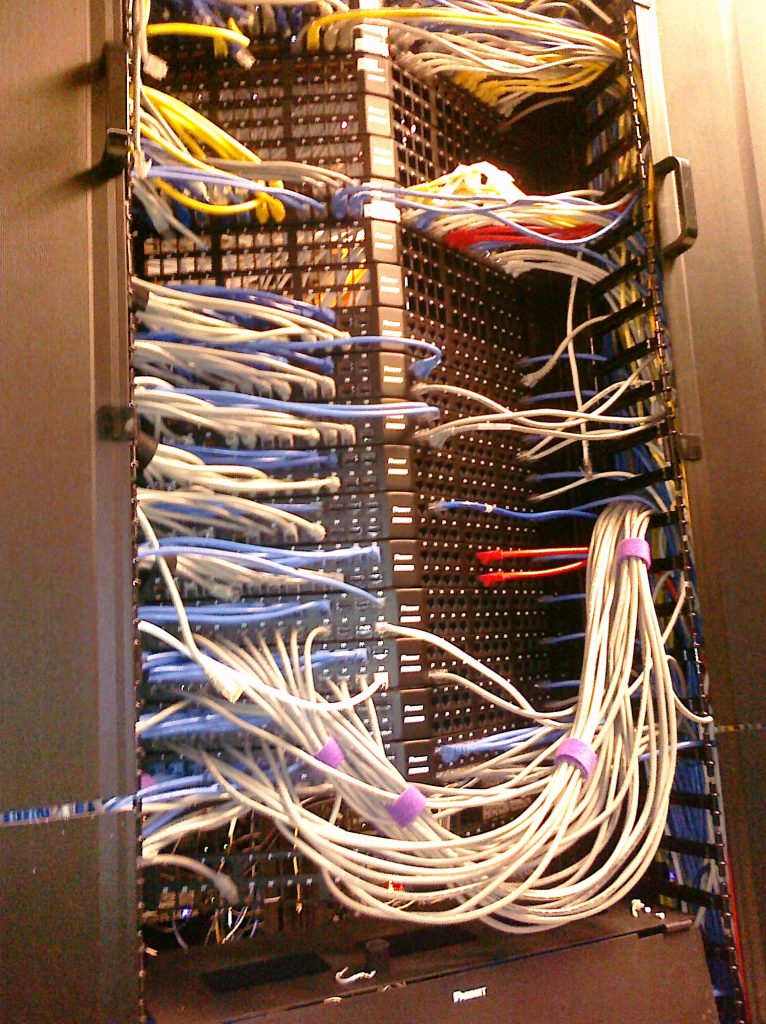
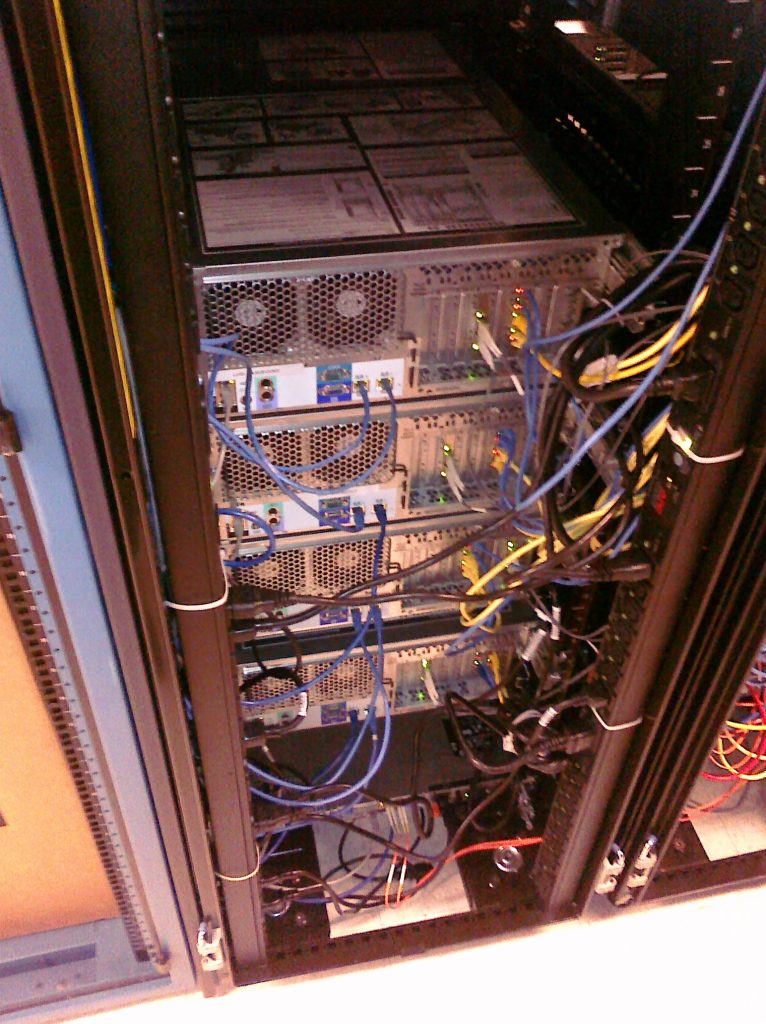
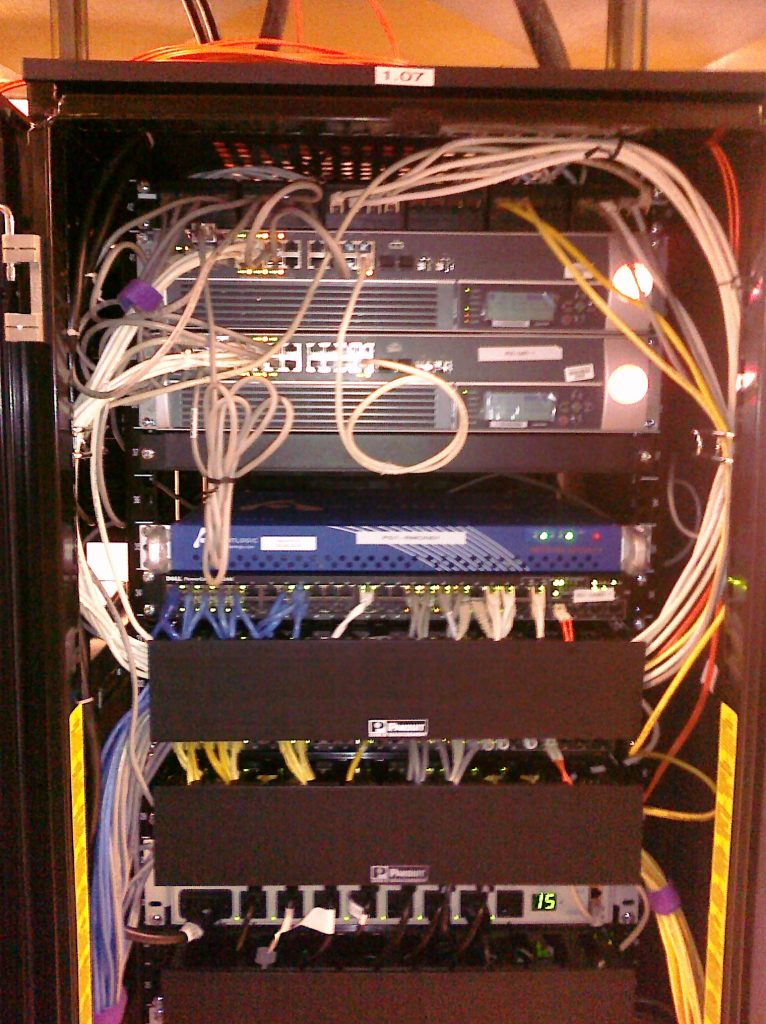
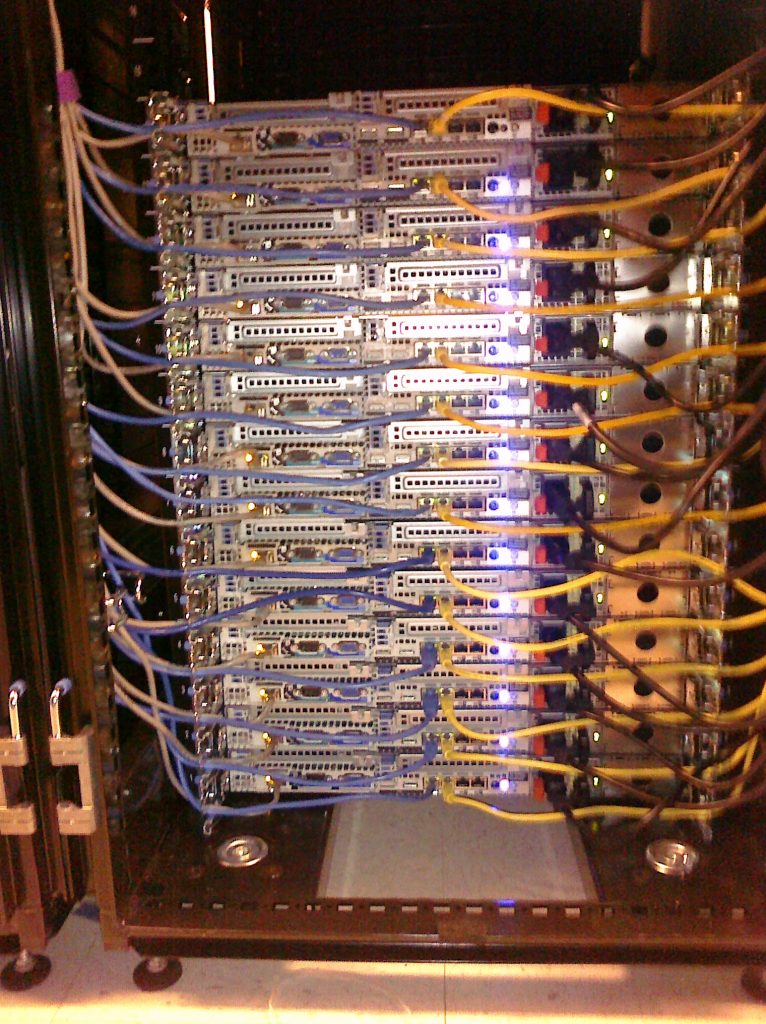
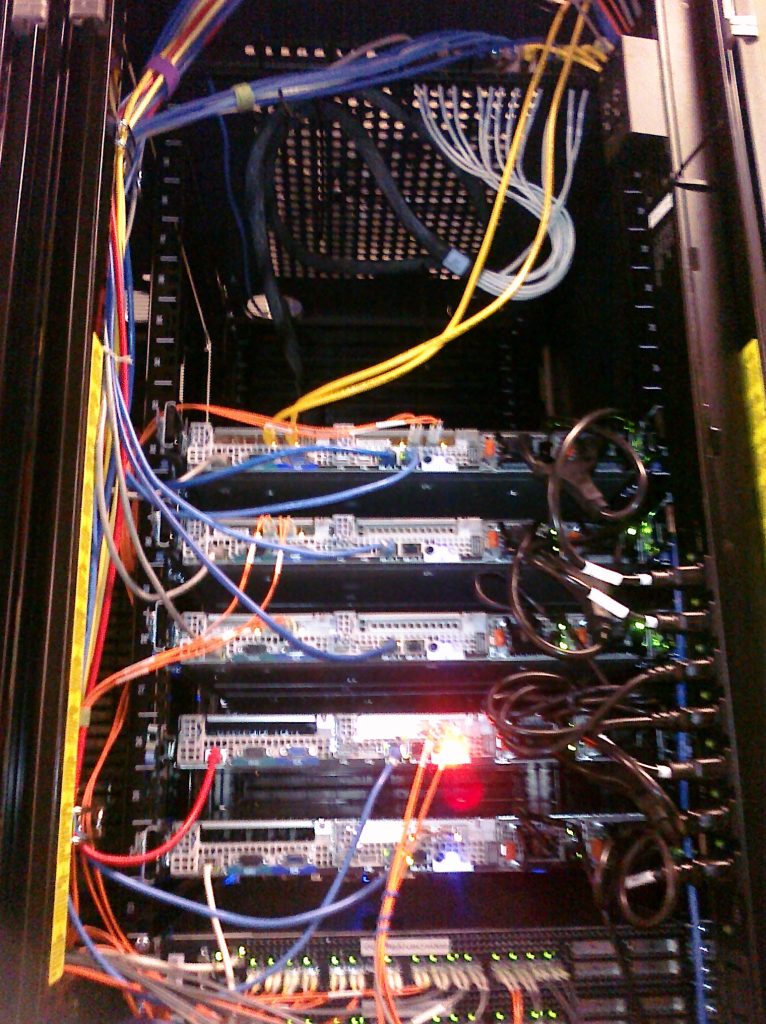
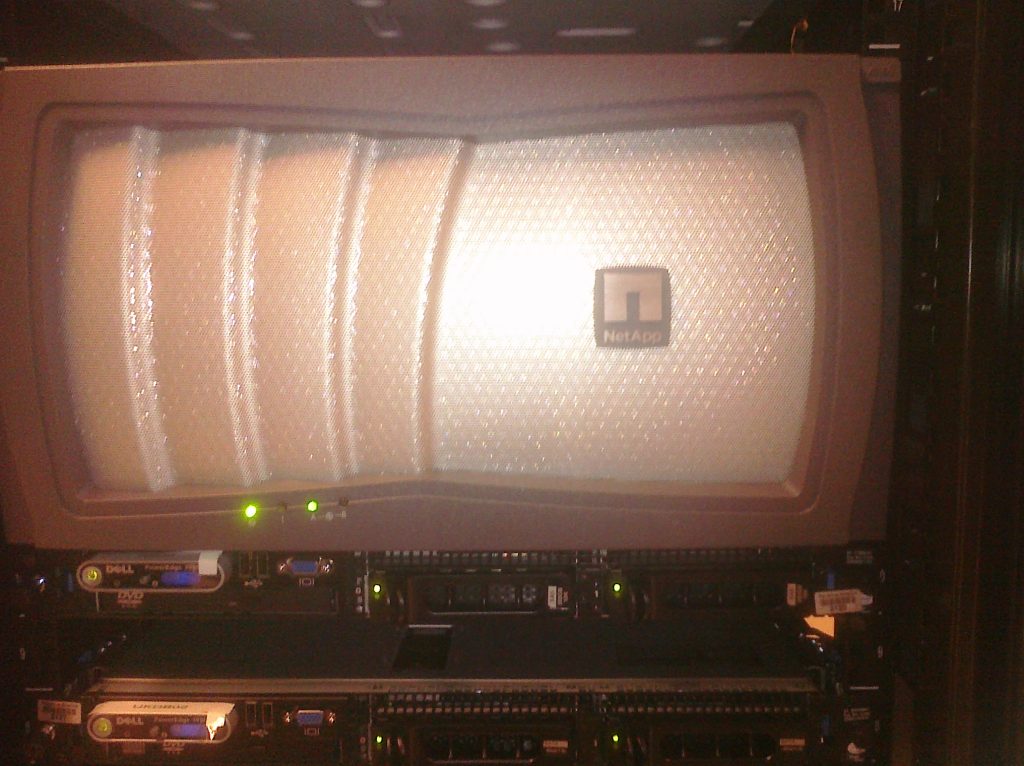
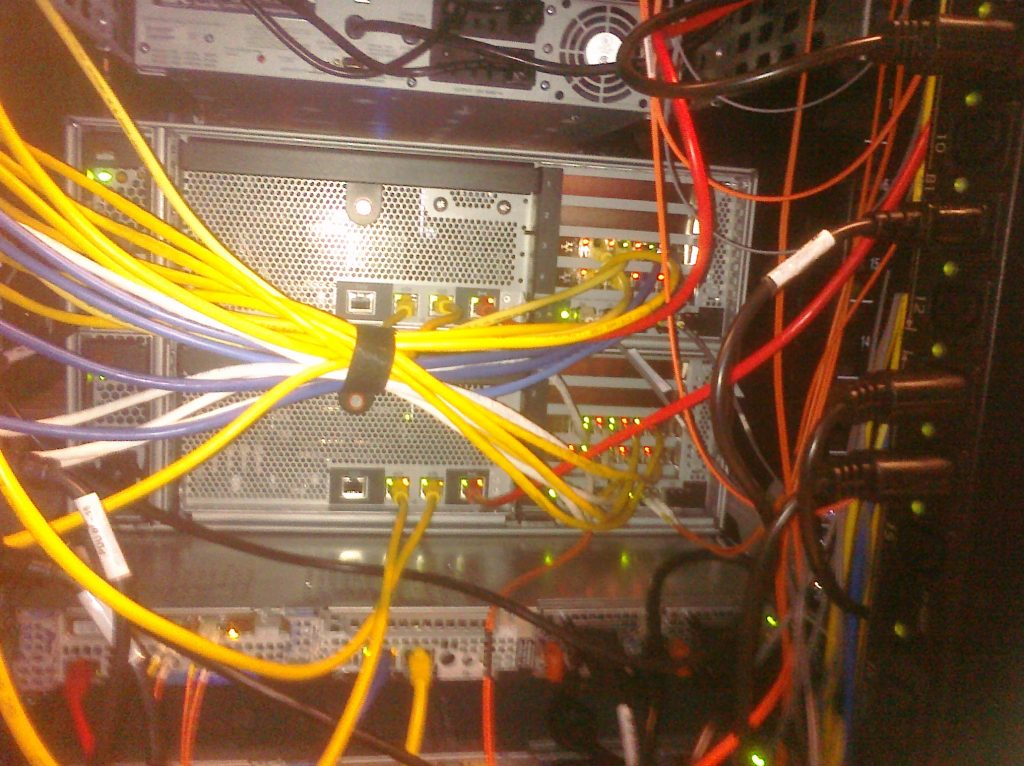
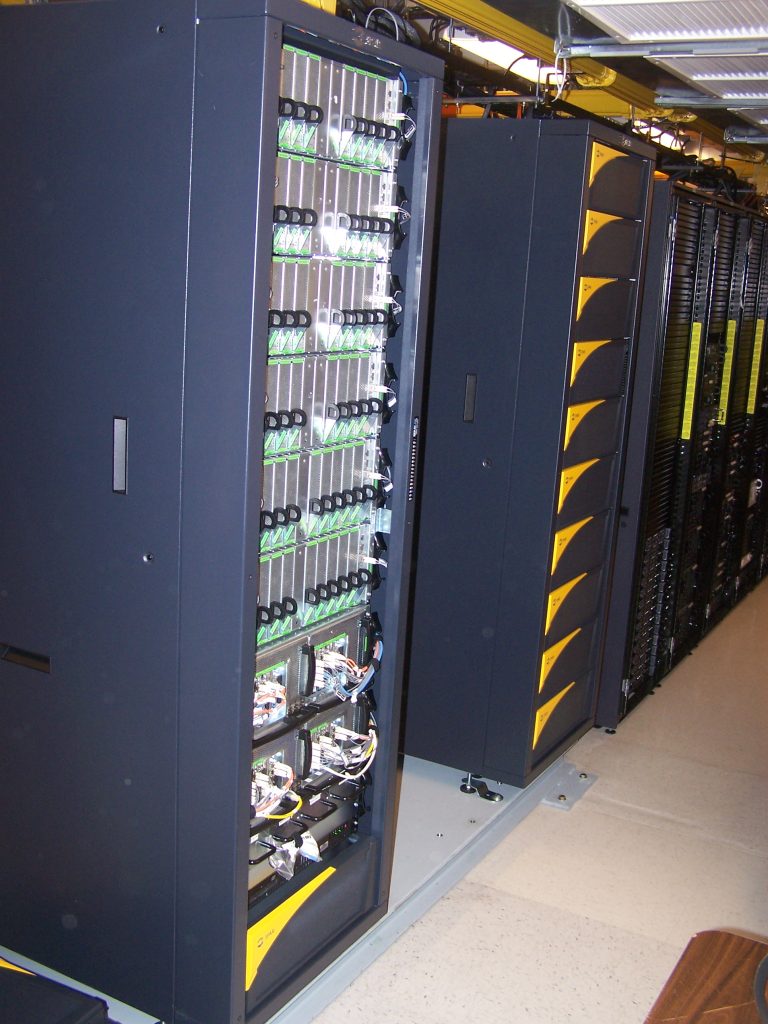
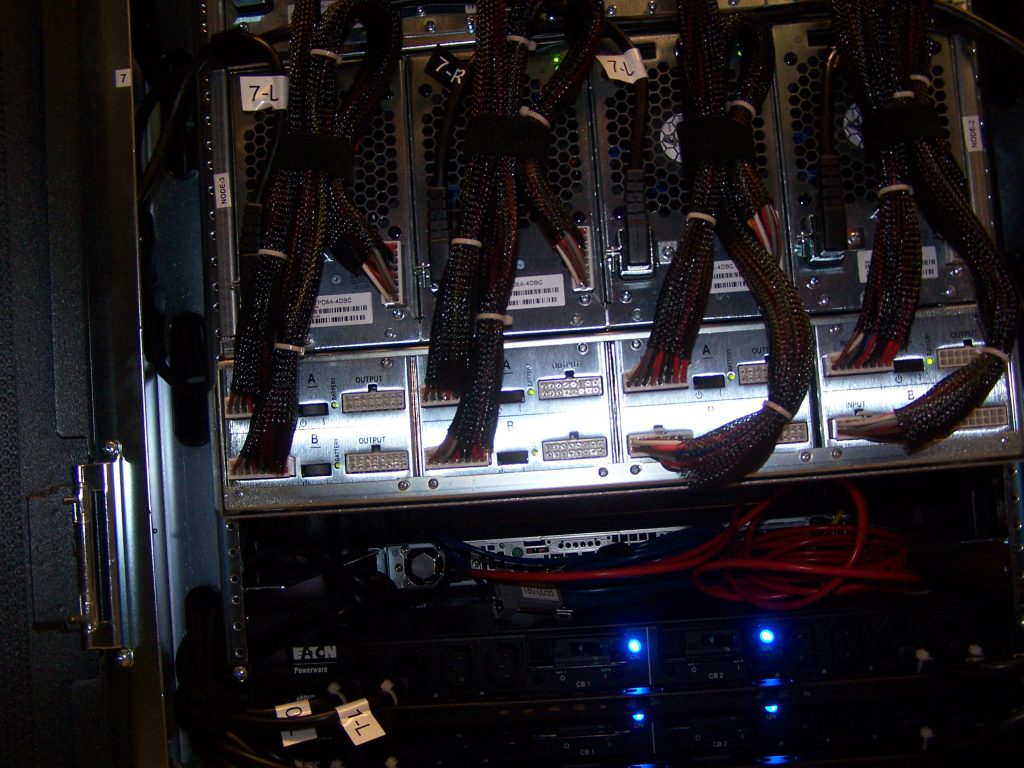
3PAR T400 – my baby
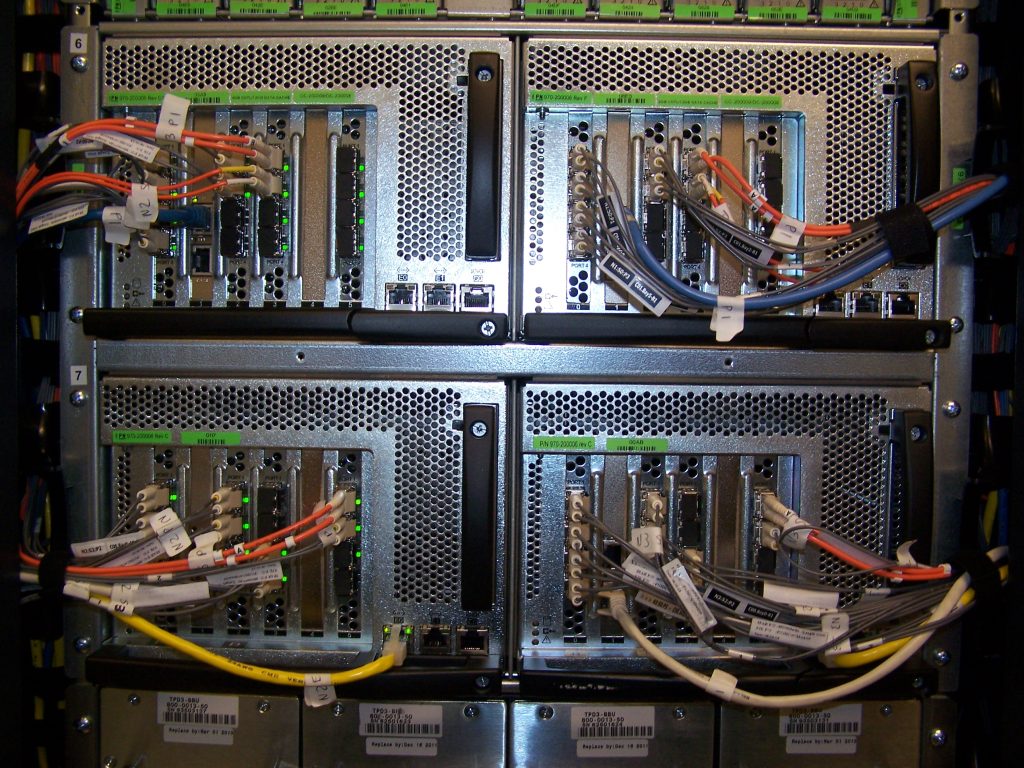
This system will always have a special place in my mind/heart. It actually suffered a severe system failure in 2010 which I documented in extreme detail here. But I still loved it, the design, the architecture, the aesthetics, the service and support.
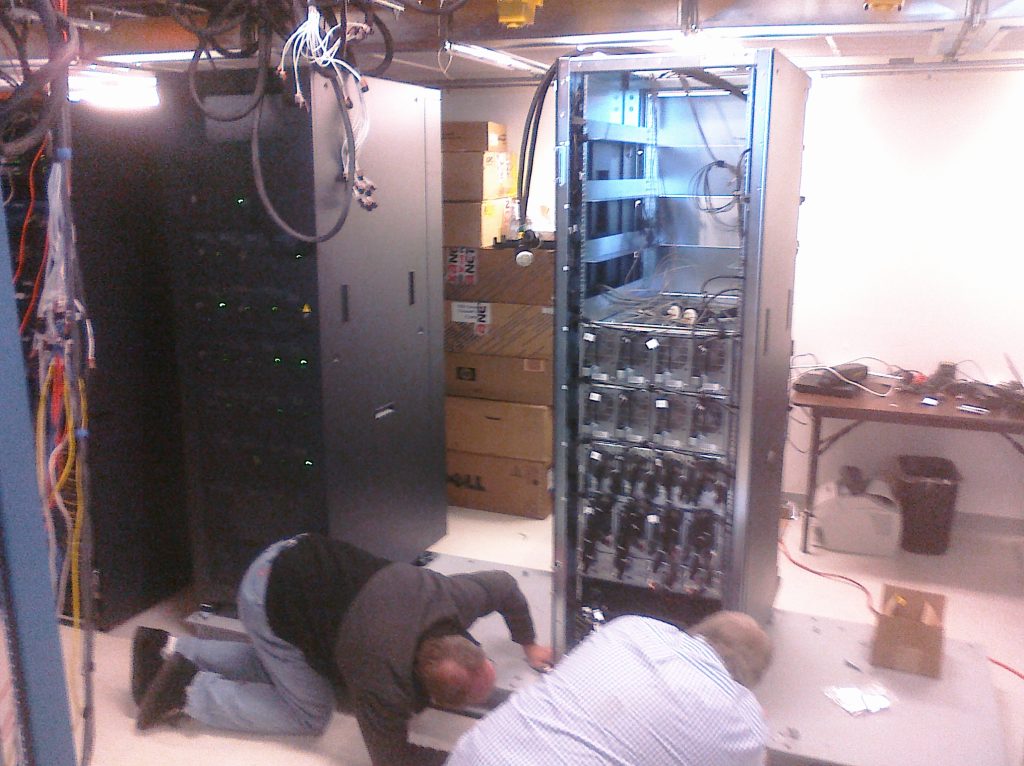
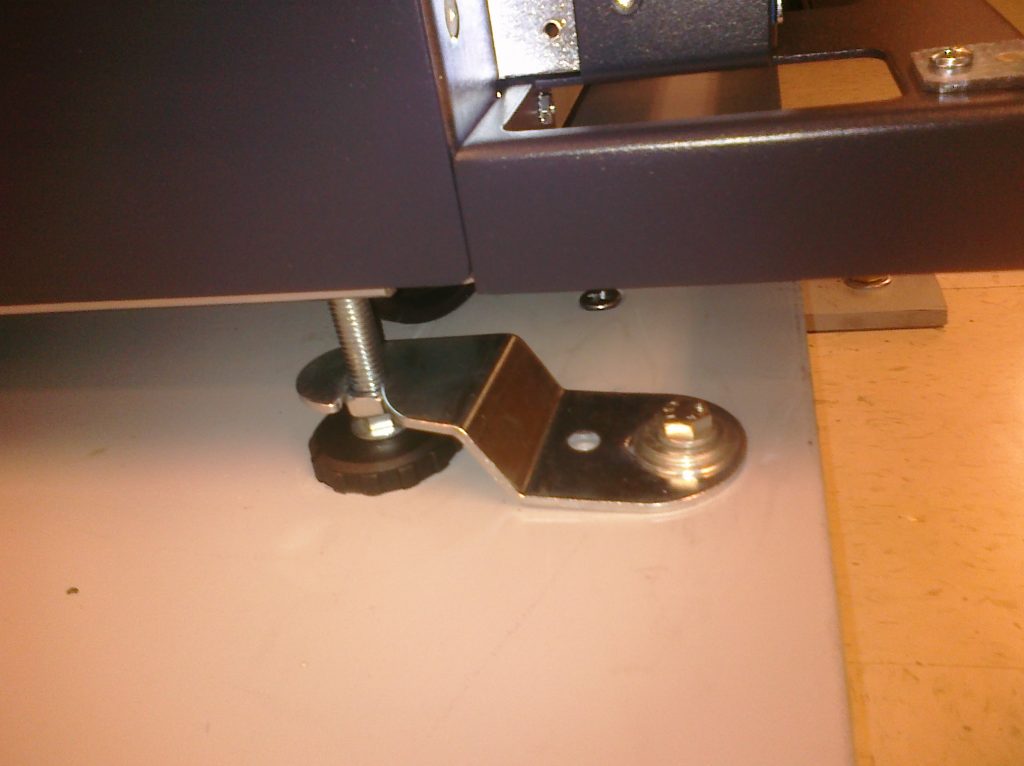
At one point we expanded the system(pictures are after expansion). There were severe weight limits on cabinets in that facility since it was a high rise building. To get around those limits we had to install a steel plate(shown in pictures) to distribute the weight over a wider area. This was a half day operation in which we had to shut everything down that was connected to the 3PAR, and 3PAR support came on site to basically dismantle the array temporarily(reduce the weight) so they could move it onto the plate, then re-assemble it.
One consequence of that whole process maybe because the storage systems were slightly elevated off the floor, closer to the cooling vents(at the top), or maybe because the steel plate retained cold temps that radiated more, I don’t know. But several individual drives suffered severe latency issues. Given all data is on all drives, having some drives perform badly impacted total system performance. After a lot of investigation it was determined that the Seagate 750GB SATA drives in the array actually had a hidden limitation that was NOT documented anywhere. If the temperature of the drive itself dropped below 20C the drive heads would actually slow down in order to protect the drive. 20C was well within the operating range as documented in the specifications. To work around this issue we closed a couple of AC vents near the storage system. Maybe a total of 6-8 drives were impacted, all of them were the “outer” drives, closest to the front of the cabinet. A few weeks after we encountered this issue I was told 3PAR had another customer show this same condition in another state.
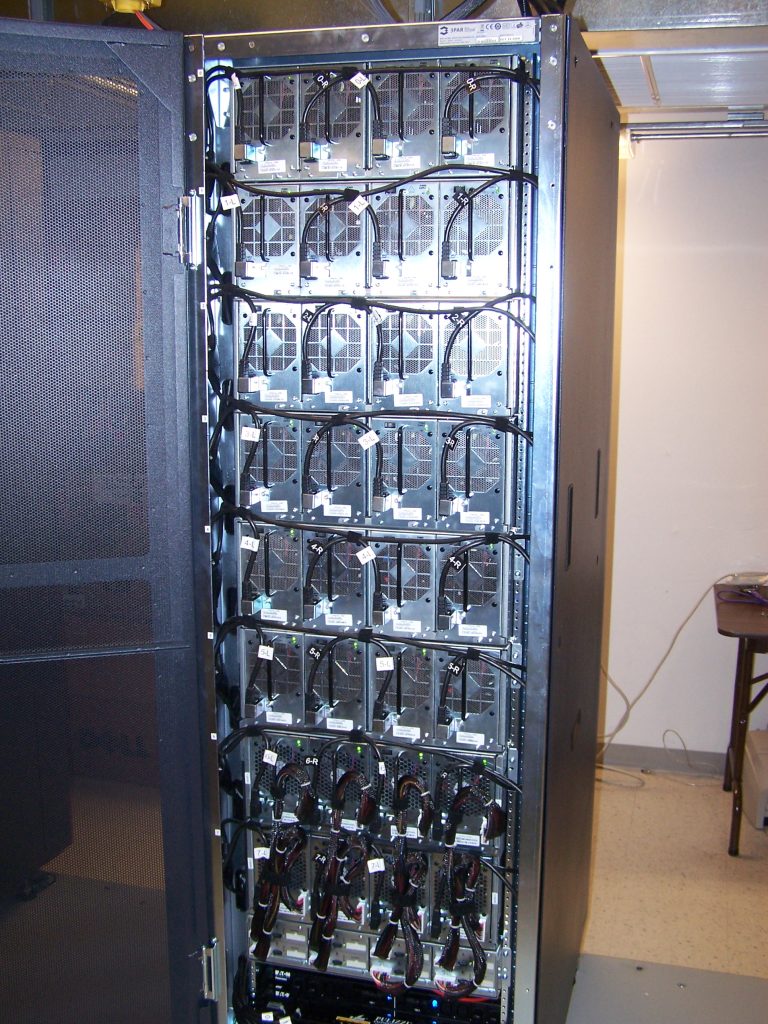
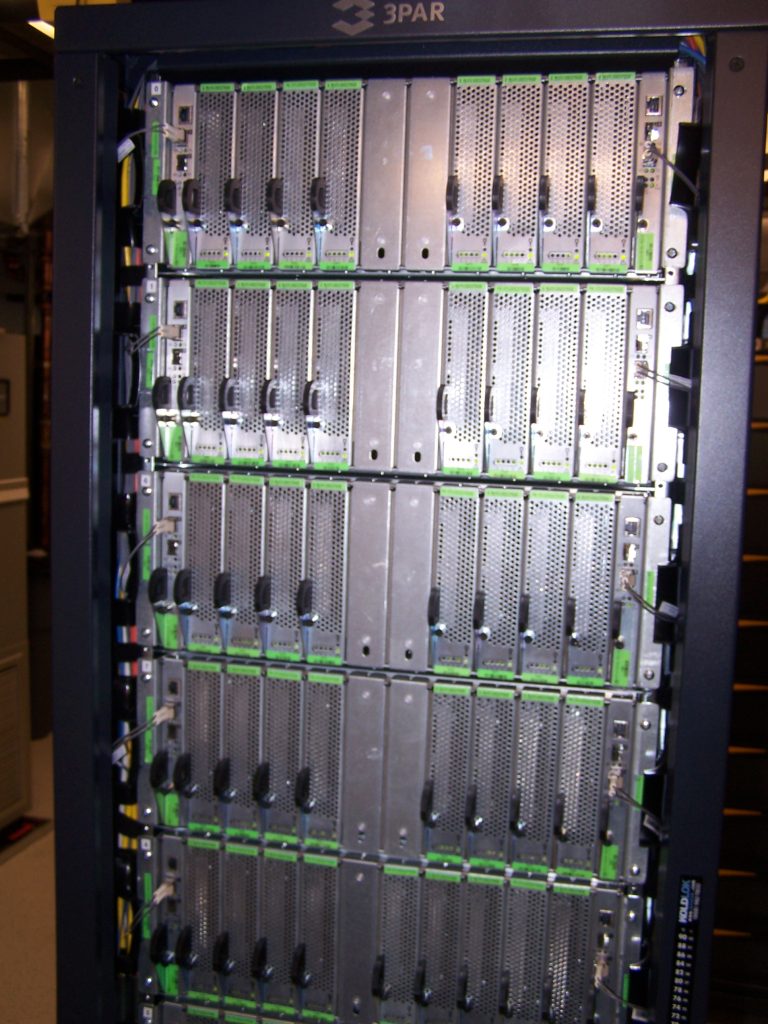
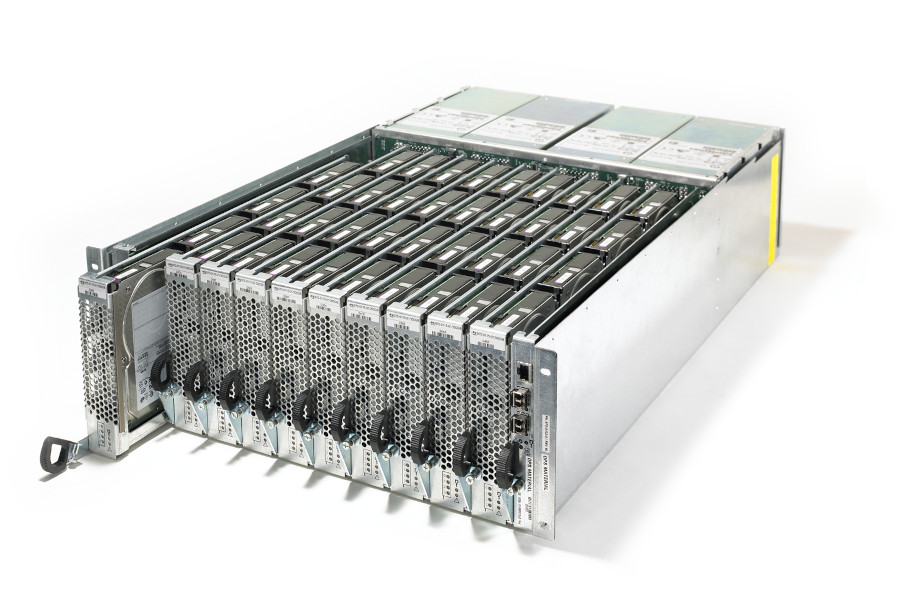
3PAR had a fairly unique way of installing drives in high density enclosures, something they released with their first product I think around 2003, years before this kind of thing became common. They integrated into their architecture as well. So for example, if you want to gracefully remove a drive from the system, you’re actually removing 4 drives to get to that one drive, so you tell the storage system to evacuate all data on those 4 drives, once that is done you can remove the drive sled, and replace the drive and put the sled back, and tell the storage array to put the data back in place again and it’ll take care of it. If you yank the sled without warning the system will go into a “logging mode” for those drives for several minutes, if the sled is not re-inserted in a short time it will assume all 4 drives have failed and initiate rebuild processes. Of course data is laid out on the system in a way where losing a single 4-drive sled would never result in data loss, and in fact their standard deployment was to protect against an entire shelf of drives failing(up to 40 drives per shelf) without any data loss. This system supported a maximum of 640 drives, or 400TB of raw storage whichever came first. Assuming we used only 750GB disks that would be a max of 528 drives I believe(132 drive sleds each with 4 drives, can’t have less than 4 drives in a sled).
3PAR was very much a fibrechannel platform at the time, while they technically did have iSCSI HBAs as an option they were distant second class, with a given HBA only having a max throughput of 1Gbps for both of the ports on the card. Compared to the 4x4Gbps fibrechannel cards that could push a lot more bits, and twice the number of ports per slot.
2010s and 2020s
This is basically where I am at today. Not yet sharing pictures of it, though I want to so badly I’m so proud of what I’ve built and how well it looks and how well it runs, tons of high quality pictures how the systems evolved over the past fourteen years. I really don’t think anyone at my company would care if I posted pictures, but I won’t anyway just in case, at least not yet. Maybe in the future.
Another bad data center
No complete failures, but another situation here when my org was hosted in Telecity’s AM5 facility in Amsterdam for several years. I think I mentioned elsewhere I came to really hate that facility and their staff(they were later acquired by Equinix). Two situations I’ll call out.
We leveraged them for our internet connection as they were connected to the major internet exchange in the area. They thought it was perfectly acceptable to take half of their network down to do maintenance on it, and not tell the customers anything. So I saw one of my links go down and contacted them, they said they are doing maintenance. I asked where is the notification for this they said they never sent any. I raised hell for a while and they agreed to change their procedures to inform customers of such events in the future.
Another knock against the facility itself, obviously not tier 4. They had a situation where they had to do something to the power systems. At least they notified customers, but they required shutting down half of the power circuits in the data center for an hour or two to do something, then bring them online again. The following week they’d do the same on the other half of power circuits. This is the only time in my career(short of Fisher Plaza) where I’ve ever had a power circuit go down in 22 years of hosting stuff(I don’t count the Cyclades PDU failures mentioned earlier on this page since the power circuits never failed). No real impact to us though we did lose a couple pieces of equipment that was single power supply(but there was redundant gear on the other circuit so things just failed over gracefully).
But the most infuriating situation was with their security procedures. I went on site I believe it was 2014, I was going to tear apart our network and re-do it in a different way. So I went on site at around 11:30PM local time to prepare my stuff. At around midnight I took our network offline and started doing my work which maybe would take an hour or something(it was a super small site just a few servers). Around 12:10AM local time one of their staff comes to me and asks if I had checked in with security again. I was confused, I had arrived maybe 45 minutes ago why would I need to see security. They said it’s a new day so I have to go check in with security, and I have to do it right now. I explained I’m in the middle of a big network outage and this isn’t a good time, they insisted. OK WTF. I set everything down, and walked down stairs to the security desk. The same guard that granted me access 45mins ago asked to see my ID again. Confused again I said I don’t have it, it is in my bag in the data center upstairs. Then he said well he can’t allow me back in the data center without seeing my ID again. Whew, I was getting pretty upset here… we argued for a minute or two and the guard relented, and said I can go back. So I went back and finished my work(I suppose at least I didn’t have to go fetch my ID and bring it back to them again that would of been even more stupid)
There were a few other situations where the staff was quite annoying, unhelpful, and just frustrating to deal with. I’ve never dealt with data center staff that were so, bad at customer stuff as I did at Telecity AM5 in Amsterdam(maybe it is a cultural thing?). Maybe Equinix has improved things in the years since.
Oh, Telecity AM5 is also the only facility I’ve ever visited where they required you to put protective “booties” on your shoes before going on the data center floor.
As bad as Telecity AM5 was though, at least it never had a full data center failure while I was hosted there anyway (so it beats Fisher Plaza in that respect). I was quite happy to get out of that place though.
QTS in Atlanta by contrast their staff are nothing but angels. I have nothing but great things to say about everyone I have dealt with there. AT&T was great back in the day as well.
Attention to detail
I will say that what I have built now was the result of a decade+ of time managing rack mount server gear(at that point), and extreme attention to detail. From what equipment we are using, to the cabling, the label type and number of labels(4 labels on each cable!), the size and style of cabinets, the cabinet cooling(lots of fans on rear of the cabinets) the style and functionality of our PDUs, environmental monitoring, the cable management, and even tons of custom lighting in the cage itself(data center lighting is NOT sufficient for me) .
Of course, every network device and PDU is connected to a terminal server for remote serial port access as well.
I have seen so many different customer racks in my career, and really almost none of them look as good as the ones I have now. Really the only ones that look better are often factory integrated racks with fully custom length cabling. I don’t make custom cables, only pre-built. Mainly because I just don’t have the patience and skill to crimp them properly myself(going back to 1998). But it still looks great, even color coded on the Ethernet side. If you have built out data center stuff before I have no doubt you’d appreciate my extreme attention to detail in my current setup.
I remember initially cabling stuff out in November 2011, only to immediately realize I made some big mistakes on things, and I ripped everything out and re cabled and re labeled everything in January 2012 when I returned to finish the work.
This was a daunting task, even for me for the initial build in 2011, it was the first, and only time I have built something from the ground up. We had zero on prem servers at that point, I had nothing to build off of. I had no authentication systems, no DNS, no process to provision stuff. I had to go by memory and some stuff I kept from previous jobs to remember how I should configure certain things, especially network wise. At that point it was over two years since I last directly managed a high availability ethernet network. Our load balancers were Citrix Netscaler, a platform I had zero experience with. We also had a tight time frame to get it all done.
Fortunately I had some of my old switch configs to help guide me but it was still far from a trivial thing to do(it was easier than any Cisco/Juniper/Arista type setup I am certain of that). I was also the only one doing it(at least on the system/software configuration, my manager helped rack & stack). I also had to design our IP network layout, how many subnets, what kind of subnets, what will they be used for. Fortunately the design I came up with worked well and has scaled in the years since. I’m probably one of the very few people who leverage ACLs on their Ethernet switches(for me just at the core switch between VLAN boundaries) to establish different zones of traffic (production, pre production, non production, and common) where traffic is allowed to flow from a higher zone to a lower zone, lower zones cannot establish communications to higher zones, common zone is unrestricted from a network layer. I first used ACLs on switches to do something like this at my SaaS build out in 2005.
This was also my first true enterprise VMware vSphere setup with Enterprise Plus licensing. Prior to this my vSphere deployments were “cheap” in that they only had standard licensing, and in most cases not even vCenter(actually used a cheat for this at one point, VMware later closed that loophole in their code) just stand alone hosts. So, vSphere distributed switches, DRS, actually using vMotion on a regular basis, clustering, host profiles, and more I am sure, all of this was new to me and hitting me at the same time.
Then at one point later I encountered a bug in my switches that impacted my ability to do vMotion at all, which took a while for me to get fixed(maybe 6-8 months, I think I got the fix soon but waited till I was on site again to deploy it), but basically I had to flush the ARP tables on my switches when vMotion hit 47% exactly, otherwise the VM would move to another host but the switch’s mapping tables would make it think it had not moved yet so the VM would not be accessible on the network, it was an annoying problem for sure! But at least I had a workaround, and of course disabled DRS, did all vMotions manually until I got the software fixed on the switches, so little real impact once I realized how I could work around the problem. Those same switches are still in use doing the same job fourteen years later, though I do intend to replace them in the middle of 2026, actually got the new equipment in 2023 but ran out of time to install them(haven’t been on site since and I am the only one that does this kind of work at this company or the previous company). I really dread replacing network switches, since there are lots of VLANs it’s critical that every cable is plugged into the right port!